
Preview


Description
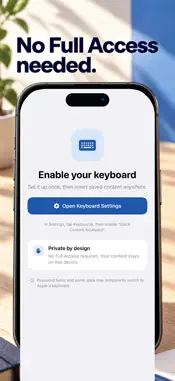
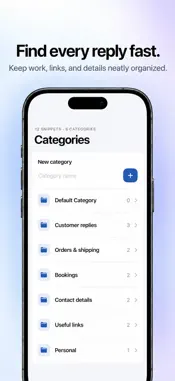
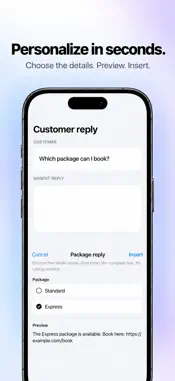
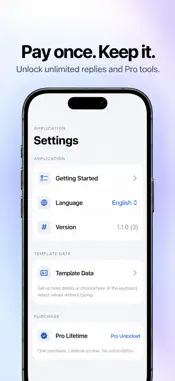
Stop retyping the same replies. Save messages, email templates, addresses, signatures and links, then paste them from your iPhone keyboard in one tap. Quick Content helps with customer replies, appointment details, email signatures, addresses and hashtag sets. YOUR WORDS, READY TO REUSE • Save text once and tap to insert it in supported text fields. • Organize work replies, personal details and links into categories. • Build reusable templates with fixed information and selectable options. Choose the details from the keyboard and preview the complete message before inserting. • Add supported date and time fields, and adjust dates when needed. • Require device authentication before viewing or using selected snippets. • Import and export JSON backups of your snippets and template details. DESIGNED TO WORK LOCALLY Content stays on your device. No account, advertising, third-party analytics or cloud AI. The keyboard does not request Full Access. GET STARTED 1. Save your first reply in the app. 2. Add Quick Content Keyboard in iOS Settings. 3. Switch to it in a supported app and select your text. Some apps and password fields do not support third-party keyboards. Review inserted text and send it yourself. Authentication controls access in the interface; it does not encrypt stored data. Some features require an optional one-time in-app purchase. Save the reply you send most often. Have it ready next time.
What's New
Version 1.1.2 2026-10-31
We streamlined keyboard startup and saved content loading when you switch back after a while. Technical Analysis
Package Overview Basic metadata
Bundle ID
com.appfounder.quickcontentkeyboard Current Version 1.1.2
Minimum iOS 17.0
Package Size App Store Size
Package Metadata 0 / 0 version records
Detailed binary, privacy manifest, framework, and Info.plist results have not been indexed for this package yet. The verified App Store and archive metadata above remains available.
Developer Information
Known Version Records
0 version records with stored package metadata
Stored metadata does not guarantee a package is currently available to download.
| Details | Version / IDs | Version date | Action |
|---|