Preview




Description
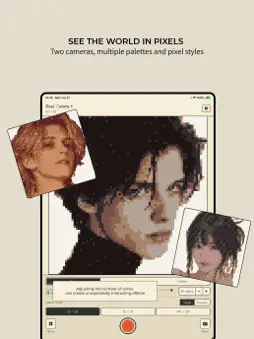
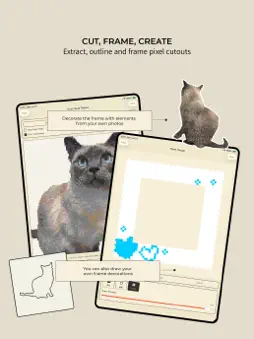
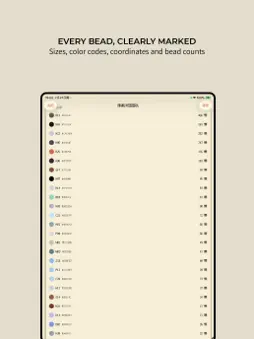
Turn your photos into pixel art and easy-to-follow fuse bead patterns with Bead Camera. Take a photo or import one from your library, choose a pattern size and color palette, then create a personalized pixel design in seconds. Key Features: • Use the front or rear camera, or import existing photos • Create patterns in 52 × 52, 78 × 78, or 104 × 104 sizes • Choose different palettes and adjust colors and dithering • Switch between round-bead and square-pixel views • Display coordinates, color codes, and bead counts • Extract objects and turn them into pixel decorations • Create Polaroid, stamp, and custom pixel frames • Draw directly on frames with pixel brushes • Organize patterns, creations, and frames in one library • Export creations as transparent PNG images Optional Pro features unlock watermark-free large-size exports and expanded library storage.
What's New
Version 1.0.4 2026-08-01
Improved localization, fixed untranslated interface text, corrected batch export watermarks and transparent PNGs, and refined iPad layouts and deletion flows. Technical Analysis
Package Overview Basic metadata
Bundle ID
net.mochimemo.beadcamera Current Version 1.0.4
Minimum iOS 17.0
Package Size App Store Size
Package Metadata 0 / 0 version records
Detailed binary, privacy manifest, framework, and Info.plist results have not been indexed for this package yet. The verified App Store and archive metadata above remains available.
Developer Information
Known Version Records
0 version records with stored package metadata
Stored metadata does not guarantee a package is currently available to download.
| Details | Version / IDs | Version date | Action |
|---|