
Preview


Description
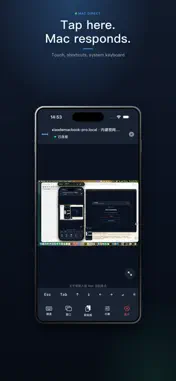
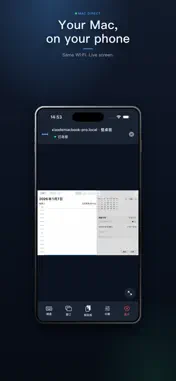
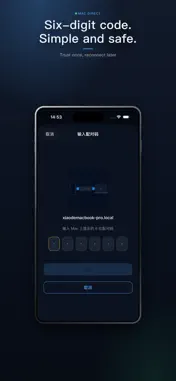
Link Direct lets you discover and pair with a Mac on your local network from iPhone or iPad, stream the screen in real time, and control it with touch, shortcuts, and the system keyboard. What you can do • Find nearby Macs running the companion host app • Pair securely with a six-digit code; reconnect quickly after you trust a device • Live screen streaming for the full desktop, another display, or a single app window • Use touch as a mouse, two-finger scroll, shortcut keys, and text input • Sync plain-text clipboard both ways during a session • Choose from three quality presets; pinch to zoom and use immersive window mode Security and privacy • After pairing, the session uses Apple CryptoKit encryption • Trust credentials stay in Keychain on device—no account, no cloud relay • The Mac host clearly shows when it is being controlled; either side can end the session • Screen and input stay between your own devices on the LAN Before you start • Install and open the companion macOS host (same product, Mac target) • Keep phone and Mac on the same Wi‑Fi and allow Local Network access • On the Mac, grant Screen Recording and Accessibility (input) permissions • This is a same-network direct tool—not a public-cloud remote desktop service From the sofa, during a presentation, or when you step away for a minute—see your Mac and control what you see.
Technical Analysis
Package Overview Basic metadata
Bundle ID
com.xiaoxiong.macdirect Current Version 1.0
Minimum iOS 17.0
Package Size App Store Size
Package Metadata 0 / 0 version records
Detailed binary, privacy manifest, framework, and Info.plist results have not been indexed for this package yet. The verified App Store and archive metadata above remains available.
Developer Information
Known Version Records
0 version records with stored package metadata
Stored metadata does not guarantee a package is currently available to download.
| Details | Version / IDs | Version date | Action |
|---|