Preview




Description
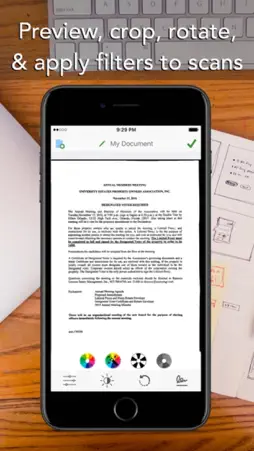
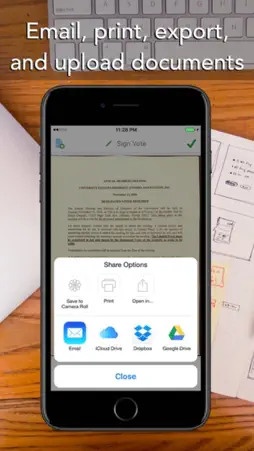
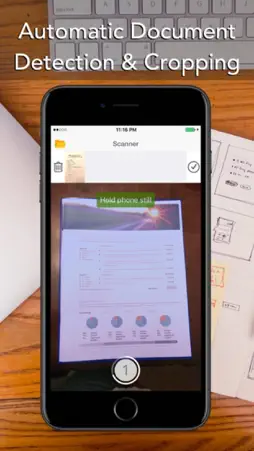
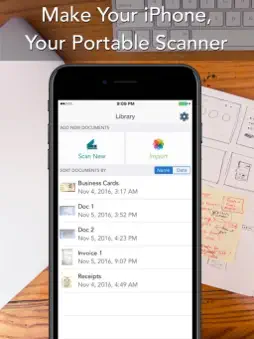
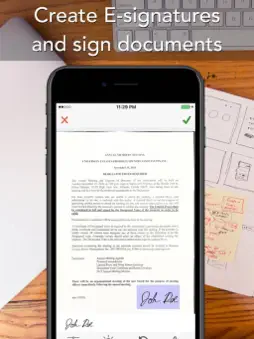
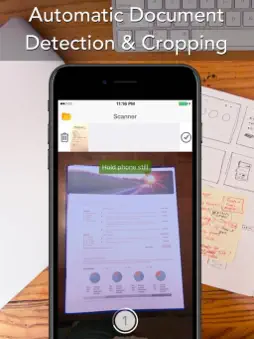
Document Scanner transforms your iPhone and iPad into portable scanners. It allows you to scan receipts, whiteboards, paper notes, or any multipage document. Scanned documents can be emailed and printed,The application incorporates special algorithms that remove shadows, make scans sharper, correct perspective and make them as readable as possible Experience the simplicity of document scanning: + Scan receipts to keep track of travel expenses + Convert paper notes and sketches into digital copies + Sign with a pen and scan a contract to email it back + Save interesting articles and book pages for further reading What Scanner Pro allows you to do: + Scan documents + Scanner Pro scans any type of document, ranging from a receipt to multipage documents. All scans are saved as a PDF. + Process images smartly + Automatic edge detection and advanced image processing help you to get great scans blazingly fast. You can also adjust the crop area manually, by tapping on the screen. + Real-time border detection + While making a scan, borders are detected visually and in real time. Thus you can choose the best position to get a perfect scan and skip manual borders adjustments. + Scan documents into a PDF file + All scanned document are produced as industry-standard PDF files. You can add new scans, delete or rearrange pages within a PDF file. + Email or print scanned documents + Just scan any document and tap the "Send" button. If the document needs to be printed, send it to any printer nearby.
What's New
Version 1.0.8 2023-07-31
bug fix; Technical Analysis
Package Overview Basic metadata
Bundle ID
com.suoxiazhangmac.scanner Current Version 1.0.8
Minimum iOS 10.0
Package Size App Store Size
Package Metadata 0 / 2 version records
Detailed binary, privacy manifest, framework, and Info.plist results have not been indexed for this package yet. The verified App Store and archive metadata above remains available.
Known Version Records
0 version records with stored package metadata • 2 known version records
Stored metadata does not guarantee a package is currently available to download.
| Details | Version / IDs | Version date | Action |
|---|---|---|---|
| Not archived | App Store ID: 858818727 | Unknown | Paid / Arcade |
| Not archived | App Store ID: 821037680 | Unknown | Paid / Arcade |