
Preview







Description
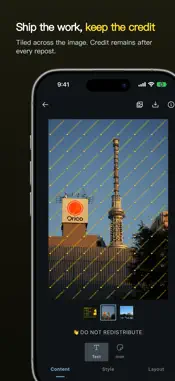
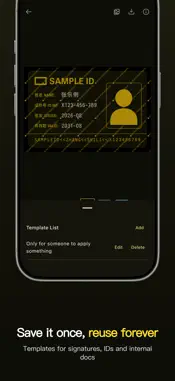
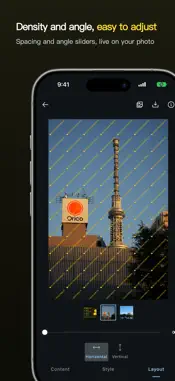
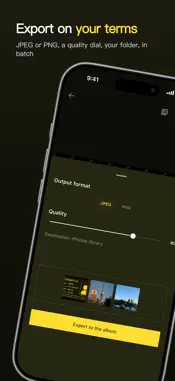
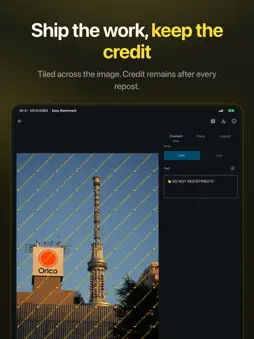
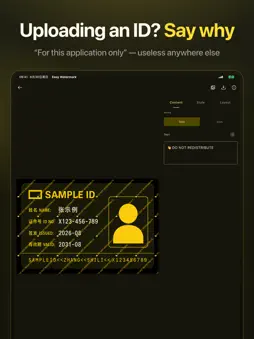
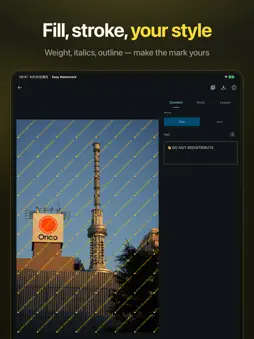
Tile a text or image watermark across photos so they cannot be reused. Fully offline. Open source. No account, no ads, no tracking. One-time purchase — not a subscription. Photos stay on this device. Save is add-only. Export strips EXIF. WHY IT IS SAFER There is no network in the app. Nothing is uploaded. No analytics, no crash SDK, no ads. Picking uses the system photo picker — it does not need full Library Read. If iOS asks for Library Read, that permission is optional. Don’t Allow still works for pick, edit, export, and save. Save may ask for add-only access, only to write the new watermarked file. OPEN SOURCE MIT licensed. The code is on GitHub: https://github.com/rosuH/EasyWatermark You can read it, fork it, and see that there is no hidden upload. WHAT YOU CAN DO • Text or image watermarks — a name, a logo, or a short purpose line • Style — color, fill or stroke, size, opacity, and angle, live on the photo • Layout — spacing and a repeating tile that is hard to crop away • Templates — save a mark once and reuse it • Batch — the same mark on several photos, then export together • JPEG or PNG. All EXIF, including location, is stripped WHEN TO USE IT ID uploads, handheld ID photos, proofs, and anything that should not be reused. A line such as “This photo is for XX, for XXX only” is enough. Keep opacity low so the important part stays readable. iPad Portrait two-pane editor. Landscape is locked on purpose.
What's New
Version 3.0.4 2026-10-19
1. Choose system fonts or import custom fonts from a folder. 2. Drag, resize and rotate watermarks directly in the preview. Select a text watermark, then tap it... Technical Analysis
Package Overview Basic metadata
Bundle ID
me.rosuh.easywatermark.ios Current Version 3.0.4
Minimum iOS 16.0
Package Size App Store Size
Package Metadata 0 / 0 version records
Detailed binary, privacy manifest, framework, and Info.plist results have not been indexed for this package yet. The verified App Store and archive metadata above remains available.
Developer Information
Known Version Records
0 version records with stored package metadata
Stored metadata does not guarantee a package is currently available to download.
| Details | Version / IDs | Version date | Action |
|---|