
Preview





Description
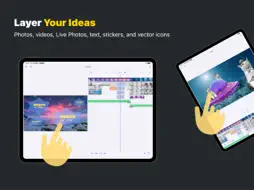
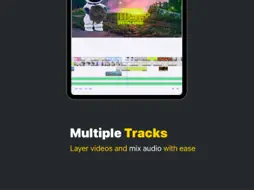
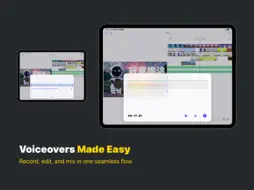
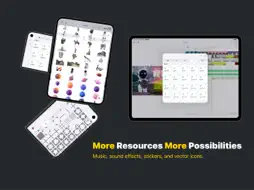
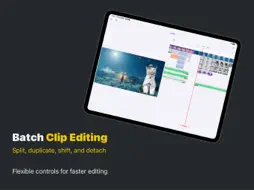
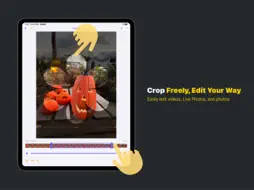
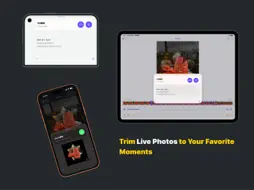
Show the view and your friend’s reaction in the same shot. Keep an interview playing while you cut to a close-up. With DimenCut, you can layer video, photos, text, and sound, then decide exactly when each piece comes in and out. Build your scene in layers Start with a video, photo, or solid-color background. Add picture-in-picture clips, text, and shapes. Move, resize, crop, rotate, and reorder layers right on the canvas. Compose in portrait or landscape, and place text directly over your footage with a transparent background. Close gaps and make room for new clips Drag clip edges to trim, split at the playhead, and snap clips together. Close empty stretches to tighten the pacing, or shift later clips together when you need room for a new shot. Give sound its own track Separate audio from video and use the waveform to find the dialogue or ambient sound you want to keep. Trim, move, mute, or adjust its volume independently, so the sound from one shot can carry into the next. Get more out of your photo library Import multiple items in the order you select them. Use Live Photos as video clips, or pull a still from a video or Live Photo. With Pro, you can lift a subject from a photo, a Live Photo still, or a video frame and use it as a separate layer. Subject isolation requires a compatible device. Free export and Pro Export for free at 720p and 15 or 30 fps with a branded watermark and a translucent overlay. Pro removes both and unlocks export options up to 4K and 60 fps, full-screen preview, and more projects. When HDR is enabled, compatible HDR footage can retain its dynamic range in the exported video. Pro is available as a one-time purchase or an auto-renewing annual subscription. Manage or cancel your subscription in the App Store. Terms of Use : https://www.apple.com/legal/internet-services/itunes/dev/stdeula
Technical Analysis
Package Overview Basic metadata
Bundle ID
com.sixiaobo.mainSubVideos Current Version 27
Minimum iOS 16.0
Package Size App Store Size
Package Metadata 0 / 0 version records
Detailed binary, privacy manifest, framework, and Info.plist results have not been indexed for this package yet. The verified App Store and archive metadata above remains available.
Developer Information
Known Version Records
0 version records with stored package metadata
Stored metadata does not guarantee a package is currently available to download.
| Details | Version / IDs | Version date | Action |
|---|