Preview





Description
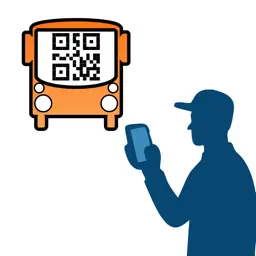
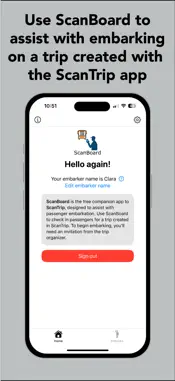
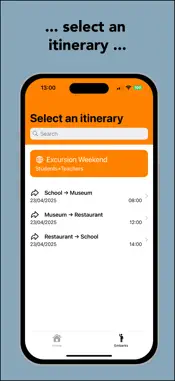
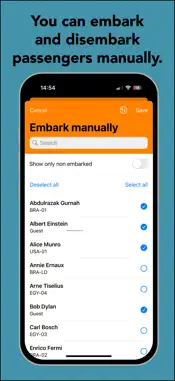
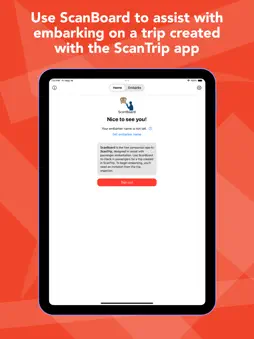
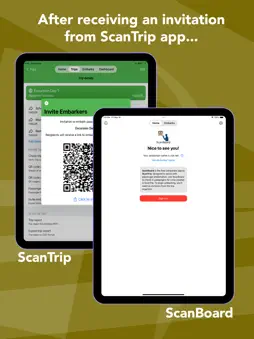
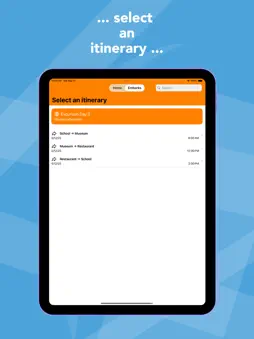
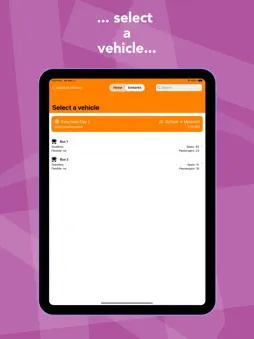
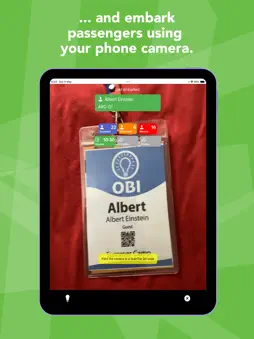
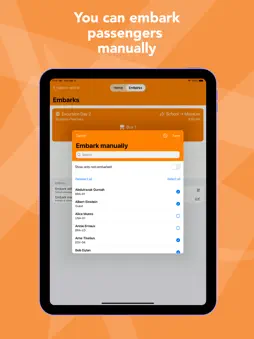
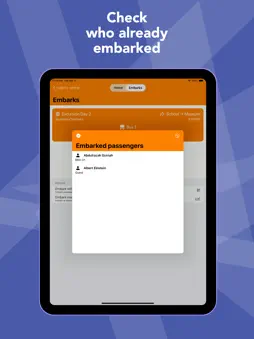
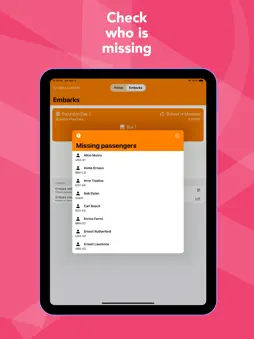
ScanBoard is the free companion app to ScanTrip, built to simplify group travel coordination. With ScanBoard, boarding passengers onto vehicles during a ScanTrip-planned journey is quick, easy, and efficient. All you need to get started is an invitation from the trip organizer (the person who created the trip in ScanTrip). Each passenger in the trip is assigned a unique ID and a QR code, which are printed in passengers' badges. Embarkers using ScanBoard simply scan each passenger’s badge with their phone to mark them as boarded. ScanBoard users are assumed to be accompanying the vehicle they assisted with embarking for the duration of the trip. To help the trip organizer track vehicle progress, ScanBoard requests access to your device’s location— even while running in the background, from the beginning of the trip itinerary to its destination. This allows real-time updates of vehicle positions during the itinerary to be seen by the trip organizer. Location access is entirely optional and can be disabled at any time. However, disabling it will stop location sharing for the vehicle you assisted with embarking, and the trip organizer will no longer be able to track its position. Quick Start: ------------ 1. Tap an invitation link Start by tapping the invitation link you received from the ScanTrip app. 2. Open ScanBoard The link will take you directly to the ScanBoard app. ScanBoard has two tabs: Home and Embarks. 3. Go to the Embarks tab This is where you manage boarding for your assigned trip. 4. Select your itinerary Choose the itinerary from the list of itineraries. 5. Select your vehicle From the list of vehicles, pick the vehicle you’ll be embarking passengers for. 6. Allow location access You’ll be asked to allow location tracking — this helps the trip organizer follow your journey. 7. Inform boarding has started Tap on the button Started. 8. Tap Embark with QR code This opens the scanner to begin boarding. 9. Scan passenger badges Simply scan each badge to register the passenger as boarded. Close the scanner when finished. 10. Mark the trip as started Once everyone is aboard, tap the button "In transit" to confirm that boarding is complete and the vehicle is starting the trip. 11. Location tracking begins ScanBoard will begin sharing your location. You can turn this off at any time, if needed. 12. Inform the trip ended. When you arrive at the destination, tap on the button "Arrived". Tracking will stop. Watch an example of how to use the ScanBoard app at the following link: https://youtube.com/shorts/vmoyDU27gws PRIVACY POLICY: https://scan-trip.com/privacy_policy TERMS OF USE: https://www.apple.com/legal/internet-services/itunes/dev/stdeula/
Technical Analysis
Package Overview Basic metadata
Bundle ID
com.zanidosoftware.scanboard2 Current Version 1.0
Minimum iOS 16.6
Package Size App Store Size
Package Metadata 0 / 1 version records
Detailed binary, privacy manifest, framework, and Info.plist results have not been indexed for this package yet. The verified App Store and archive metadata above remains available.
Developer Information
Known Version Records
0 version records with stored package metadata • 1 known version records
Stored metadata does not guarantee a package is currently available to download.
| Details | Version / IDs | Version date | Action |
|---|---|---|---|
| Not archived | App Store ID: 857145086 | Unknown | Request Version |