Preview
Description
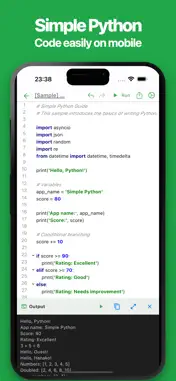
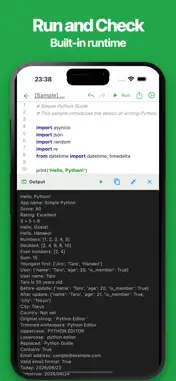
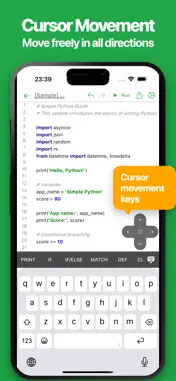
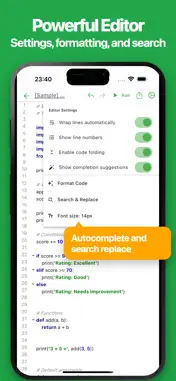
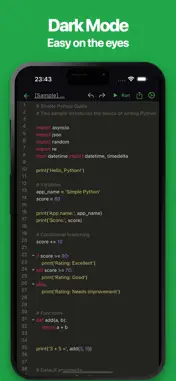
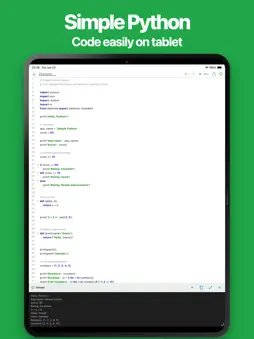
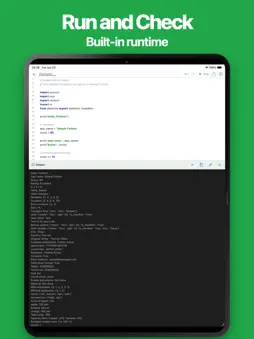
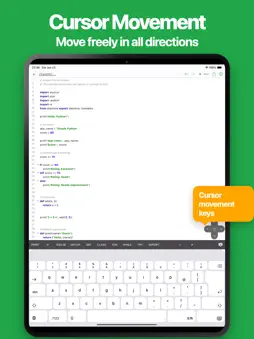
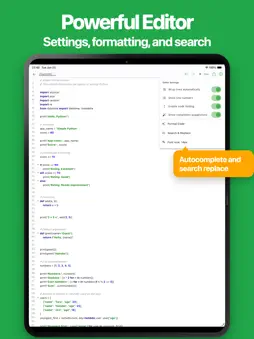
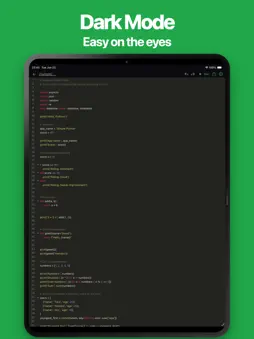
“Want to try Python code while you’re on the go?” This app is a simple Python editor and runtime designed for smartphones. It provides a powerful code editor with syntax highlighting, allowing you to write and run Python code instantly. It is suitable for everything from learning Python to practical coding and testing. Common use cases include: * Learning Python * Programming practice * Studying algorithms * Testing code snippets * Verifying sample code * Taking Python notes * Creating scripts * Testing functions * Learning data processing basics * Learning automation basics * Writing code for technical blogs * Training and workshops * Building prototypes * Managing code snippets * Experimenting with new ideas * Creating a simple testing environment during development Python can be used in many different ways, and this app helps you quickly write, test, and manage your code. If you are looking for a Python editor and runtime, give it a try. ■ Features • Intuitive Interface Simple tools should be easy to use. The editor is designed to be fast, responsive, and comfortable for everyday coding. • Run Code Instantly Execute Python code with a single tap. View output and error messages immediately. • Code Auto Completion Built-in code completion helps you write code more efficiently. • Code Formatting Automatically format your code to improve readability and maintain a clean coding style. • Find and Replace Search and replace text within your code quickly and easily. • Code Folding Collapse and expand code blocks to make large files easier to navigate. • Easy Cursor Navigation Move the cursor using directional controls for more precise editing. • Automatic Saving Your code is automatically saved while editing, so you never have to worry about losing changes. • Ready to Use No account registration is required. Start coding immediately after installation. • Export and Share Export and share your code with others. Useful for backups and editing on different devices. • Dark Theme Support Supports dark mode for comfortable coding day and night.
What's New
Version 1.2.0 2026-10-07
• Added an option to show or hide indentation. • Fixed several bugs. Technical Analysis
Package Overview Basic metadata
Bundle ID
jp.tanaike.python Current Version 1.2.0
Minimum iOS 15.6
Package Size App Store Size
Package Metadata 0 / 0 version records
Detailed binary, privacy-manifest, framework, and Info.plist results have not been indexed for this package yet. The verified App Store and archive metadata above remains available.
Developer Information
Known Version Records
0 version records with stored package metadata
Stored metadata does not guarantee a package is currently available to download.
| Details | Version / IDs | Version date | Action |
|---|
Sources and limitations
This page combines App Store catalog metadata, historical version records, and archived package scans where available. Ratings are from the App Store, and technical findings are observations rather than certifications. Data freshness, compatibility, availability, and analysis limitations apply.
Stored catalog source: USA App Store storefront. A catalog collection timestamp is not available on this page; displayed metadata is not a live availability, price, or installation check.