Preview
Description
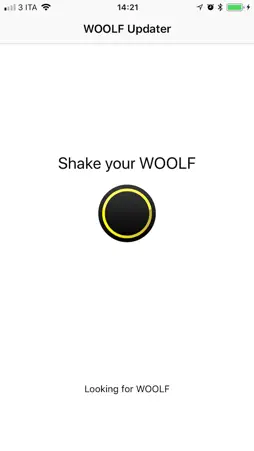
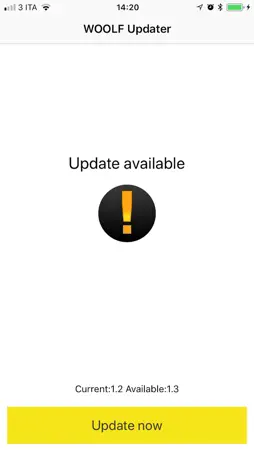
Use Woolf Updater to check for new firmware and update your WOOLF®. Follow these steps to update your wristband. 1) Recharge WOOLF® for at least 2 hours 2) Close and stop all applications 3) Ensure that WOOLF application isn't active 4) Turn on Bluetooth 5) Open Woolf Updater application 6) Keep WOOLF® near the smartphone and shake it to keep it active. Woolf Updater discover updatable devices automatically 7) Click on UPDATE NOW button and let the application complete the update. 8) Stop and uninstall Woolf Updater. 9) Open WOOLF application If you have any question contact us. You can use the button (?) inside WOOLF application or send us an email to: [email protected]
What's New
Version 1.15.3 2020-10-08
Bug fixes and improvements Technical Analysis
Package Overview Basic metadata
Bundle ID
it.netgrid.woolf.updater Current Version 1.15.3
Minimum iOS 9.3
Package Size App Store Size
Package Metadata 0 / 4 version records
Detailed binary, privacy manifest, framework, and Info.plist results have not been indexed for this package yet. The verified App Store and archive metadata above remains available.
Developer Information
Known Version Records
0 version records with stored package metadata • 4 known version records
Stored metadata does not guarantee a package is currently available to download.
| Details | Version / IDs | Version date | Action |
|---|---|---|---|
| Not archived | App Store ID: 838093126 | Unknown | Request Version |
| Not archived | App Store ID: 828653588 | Unknown | Request Version |
| Not archived | App Store ID: 827564613 | Unknown | Request Version |
| Not archived | App Store ID: 827391278 | Unknown | Request Version |