
Preview

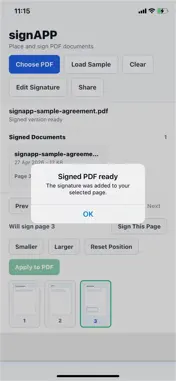


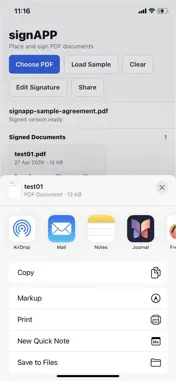


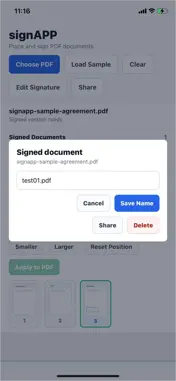


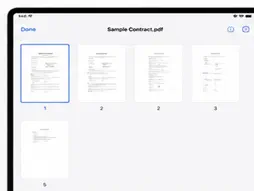


Description
signAPP helps you sign PDF documents directly on your iPhone. Pick a PDF from your device, draw a handwritten signature, choose the page, drag the signature into position, resize it, and save a signed copy. Signed documents stay in your local history so you can reopen, rename, share, or delete them later. Key features: - Select PDF files from your device. - Preview PDF pages before signing. - Draw a handwritten signature. - Choose the exact page to sign. - Drag and resize the signature before applying it. - Save signed PDFs locally. - Reopen, rename, share, or delete signed documents from history. - Share signed PDFs using the native iOS share sheet.
What's New
Version 5.4.0 2026-08-12
• Improved PDF editor toolbar layout for better readability. • Improved Photo to PDF editing reliability. • Fixed incorrect “Photo editor unavailable” messages....• Improved PDF editor toolbar layout for better readability. • Improved Photo to PDF editing reliability. • Fixed incorrect “Photo editor unavailable” messages. • Improved overall stability and user experience. Technical Analysis
Package Overview Basic metadata
Bundle ID
com.signapp.mobile Current Version 5.4.0
Minimum iOS 15.1
Package Size App Store Size
Package Metadata 0 / 1 version records
Detailed binary, privacy manifest, framework, and Info.plist results have not been indexed for this package yet. The verified App Store and archive metadata above remains available.
Known Version Records
0 version records with stored package metadata • 1 known version records
Stored metadata does not guarantee a package is currently available to download.
| Details | Version / IDs | Version date | Action |
|---|---|---|---|
| Not archived | App Store ID: 884951694 | Unknown | Request Version |