
Preview






Description
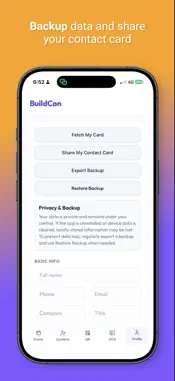
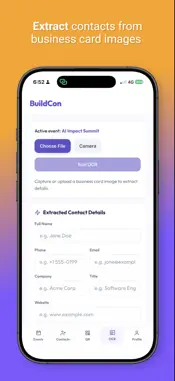
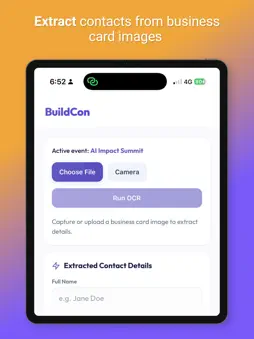
BuildCon helps you capture, organize, and manage contacts from events, meetings, and business cards. Quickly scan QR codes, save contact details, extract information from business cards using OCR, and organize everything by event. You can also create your own digital contact card with a QR code, making it easy for others to save your details instantly. Whether you are attending a conference, trade show, business meetup, or networking event, BuildCon keeps your contacts structured and easy to find. Key features: 1. Scan QR codes and save them to events 2. Capture business card details with OCR 3. Create and share your own digital contact card 4. Organize contacts by event 5. Save names, phone numbers, emails, company details, notes, and more 6. Import and manage contact information 7. Backup and sync supported data 8. Works as a simple contact and networking companion 9. Share an event with multiple members using a invite link BuildCon is designed for professionals, founders, sales teams, event attendees, and anyone who wants a faster way to manage networking contacts.
What's New
Version 2026.0.3 2026-10-03
New Event Sharing & Collaboration Flow Create an event and easily share it with multiple members using an invite link or QR code. All invited members can join t...New Event Sharing & Collaboration Flow Create an event and easily share it with multiple members using an invite link or QR code. All invited members can join the same event and collaboratively add contacts simultaneously. Technical Analysis
Package Overview Basic metadata
Bundle ID
com.kverty.buildcon Current Version 2026.0.3
Minimum iOS 15.0
Package Size App Store Size
Package Metadata 0 / 0 version records
Detailed binary, privacy manifest, framework, and Info.plist results have not been indexed for this package yet. The verified App Store and archive metadata above remains available.
Known Version Records
0 version records with stored package metadata
Stored metadata does not guarantee a package is currently available to download.
| Details | Version / IDs | Version date | Action |
|---|