
Preview

Description
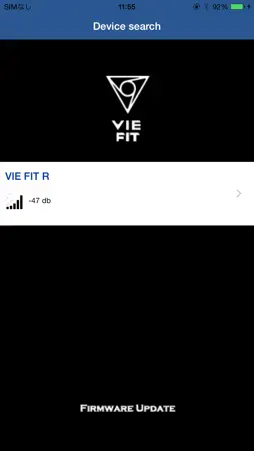
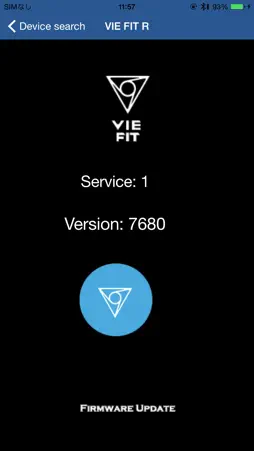
VIE FIT is the application works with the earphones "VIE FIT" The functions are followings. 1: Version check of the firmware 2: Firmware update "How to update the firmware" "Preparation" 1: Please make sure your phone and earphones are FULLY CHARGED. 2: DELETE all of Bluetooth setting of VIE FIT. 3: Power On one side of the earphone. 4: Open the VIE FIT app. 5: Push the button of VIE FIT 3 times. 6: Select the earphone on the app. "Pairing" 7: Pair the Bluetooth (Push the button 3 seconds and get into the pairing mode. Go to Bluetooth setting and select VIE FIT.) "Update" 8: Push the blue circle button in the app to start updating. 9: Push OK to complete the update. 10: Power Off the earphone. Do the same with the other side of the earphone.
Technical Analysis
Package Overview Package analysis available
Bundle ID
net.omotenasy.VIEFIT Current Version 1.0
Minimum iOS 9.3
Package Size App Store Size
Package Metadata 1 / 1 version records
BTLibrary
CSR.BTLibrary v2.1iOS 8.0+302.46 KB
GaiaLibrary
CSR.GaiaLibrary v1.2iOS 9.0+336.82 KB
Developer Information
Known Version Records
1 version record with stored package metadata
Stored metadata does not guarantee a package is currently available to download.
| Details | Version / IDs | Version date | Action |
|---|---|---|---|
 1.95 MB | v1.0.0 App Store ID: 828788060Build: 1.1.3 | 2018-10-21 20:23:42 | Get Version |