
Preview











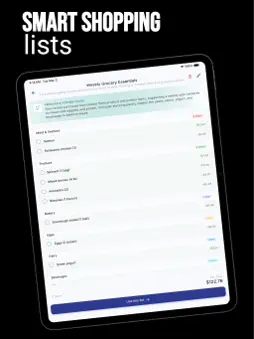
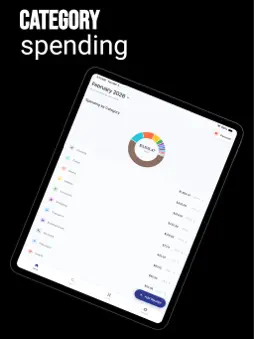

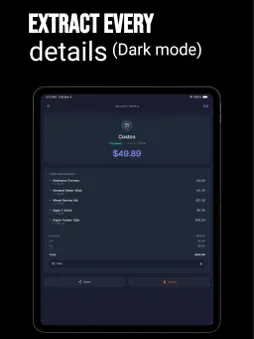

Description
Know what each job has cost. Keep the receipts to back it up. Snap Receipt helps electricians, plumbers, HVAC technicians, builders, handymen and mobile mechanics turn supply receipts into organised job expenses. See recorded costs for materials, tools and other purchases in one place, ready when a client asks where the money went. LESS TYPING AFTER A SUPPLY RUN Photograph a receipt or choose an image from your gallery. AI extracts the supplier, date, line items and totals. Review the details, make any corrections and assign the receipt to a job. The original image stays with the record. You can also enter an expense manually. KNOW WHERE THE JOB STANDS See recorded spending by job, supplier and category. Check the materials bought, quantities and unit prices without adding up a pile of receipts. Set a job budget to see spending against it as you record expenses. SHOW CLIENTS WHAT YOU PAID FOR Turn recorded expenses into a document you can share. The Job Report brings together a job's costs, suppliers and materials. The Client Expense Report covers one client's costs across their jobs, with optional line-item detail. Both export to PDF and CSV and require a paid subscription. FIND THE RECEIPT WHEN YOU NEED IT Search by item or invoice number, and filter by job, supplier, category or month. Keep the receipt image alongside the purchase details so you can check what you bought and what it cost. Use Ask for questions such as "What has the bathroom job cost so far?" CONNECT YOUR AI ASSISTANT Connect Snap Receipt to a compatible AI assistant through MCP (Model Context Protocol). Ask about recorded job costs, find receipts and review supplier spending in conversation. Your assistant has read-only access to your expense records. Requires a paid subscription. KEEP SUPPLIER SPENDING ORGANISED Group receipts under supplier records, including recognised name variations. See recorded purchases from each supply house. Supplier Spend and Monthly Business Review reports offer a wider view of your recorded costs and require a paid subscription. BUILT AROUND TRADE EXPENSES Organise purchases with categories such as Materials, Tools & Equipment, Equipment Rental, Labor & Subcontractors, Fuel and Vehicle Expenses. Keep pipe fittings, wiring, replacement parts and other job purchases organised, from a quick repair to a full renovation. START WITH YOUR NEXT RECEIPT Begin without an email sign-up and connect your email later to keep your account. No bank connection is needed, including for cash expenses. An internet connection is required. Download Snap Receipt and put your next receipt against the right job. Terms of Use (EULA): https://www.apple.com/legal/internet-services/itunes/dev/stdeula/
What's New
Version 26.10.2 2026-10-24
Snap Receipt is now built for the trade. - Jobs and job costing: assign receipts to a job and see what it has cost build up live, in money and in materials - J... Technical Analysis
Package Overview Basic metadata
Bundle ID
com.appsvanta.expensetracker Current Version 26.10.2
Minimum iOS 15.6
Package Size App Store Size
Package Metadata 0 / 4 version records
Detailed binary, privacy manifest, framework, and Info.plist results have not been indexed for this package yet. The verified App Store and archive metadata above remains available.
Developer Information
Known Version Records
0 version records with stored package metadata • 4 known version records
Stored metadata does not guarantee a package is currently available to download.
| Details | Version / IDs | Version date | Action |
|---|---|---|---|
| Not archived | App Store ID: 886450802 | Unknown | Request Version |
| Not archived | App Store ID: 886340854 | Unknown | Request Version |
| Not archived | App Store ID: 886224045 | Unknown | Request Version |
| Not archived | App Store ID: 885072864 | Unknown | Request Version |