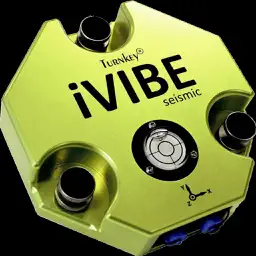
Preview

Description
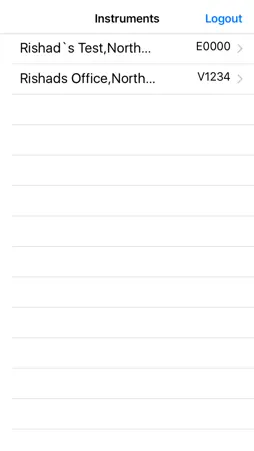
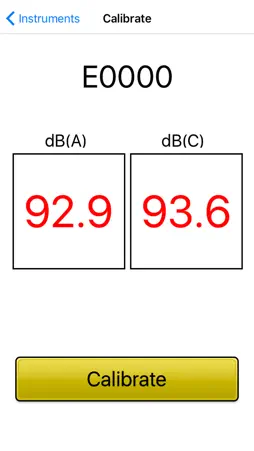
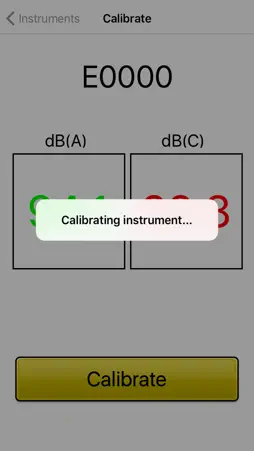
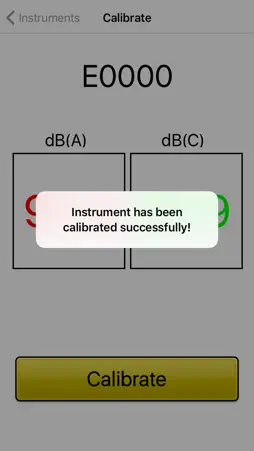
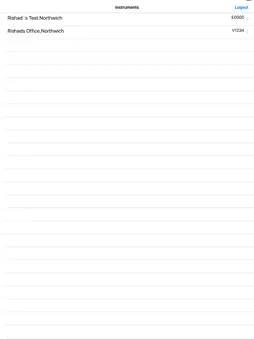
Use this application to calibrate the microphone of the Turnkey idB Noise Monitor or the iVibe using the 94 dB calibrator. This application reads the data from the noise monitor and calibrates the instrument. Enter the AirQWeb login credentials to show the list of the noise monitoring instruments registered to your AirQWeb account. Instructions to Use: 1. Connect your handheld device to the Internet. 2. Open the Sound Calibrator App. 3. Enter AirQWeb login credentials. 4. Select an instrument from the list to calibrate. 5. Insert the microphone into the 94 dB piston calibrator. 6. Once the app starts reading the values from the instrument. 7. Press the 'Calibrate' button to start calibration.
Technical Analysis
Package Overview Basic metadata
Bundle ID
com.turnkey.SoundCalibrator Current Version 1.0
Minimum iOS 10.1
Package Size App Store Size
Package Metadata 1 / 1 version records
0.0 / 5.0 (0 ratings)
Detailed binary, privacy manifest, framework, and Info.plist results have not been indexed for this package yet. The verified App Store and archive metadata above remains available.
Developer Information
Known Version Records
1 version record with stored package metadata
Stored metadata does not guarantee a package is currently available to download.
| Details | Version / IDs | Version date | Action |
|---|---|---|---|
| 2.08 MB | v1.0 App Store ID: 841709993Build: 1.0 | 2016-12-23 05:46:55 | Get Version |