Preview



Description
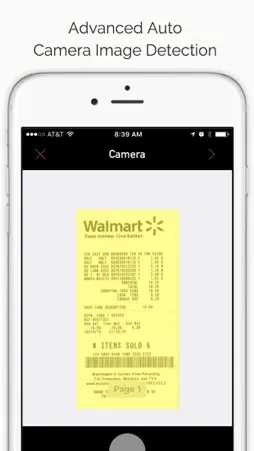
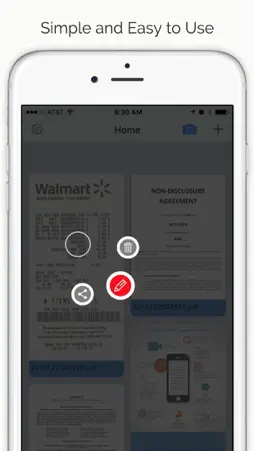
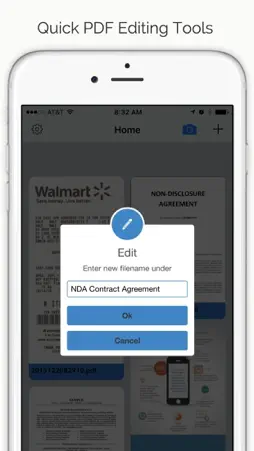
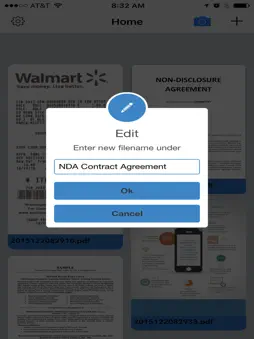
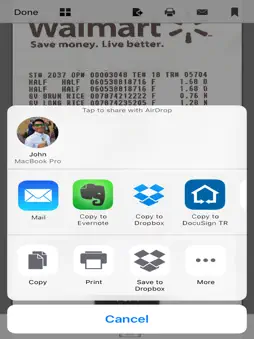
*****Best free PDF scanner apps***** Just a tap and a scan, DocuScan turns your iPhone into a multipage scanner for documents, receipts, notes, whiteboards, and other text. DocuScan uses advanced camera algorithms to auto detect the document edges, straighten documents, and perfectly filter the documents for scans that are 5x better than the normal office scanners or fax machines. The app also provides advanced users with advanced editing tools to manually crop, apply filters just like Instagram, adjust colors, contrast, and much more. DocuScan offers a very powerful yet simple and easy to use interface. Just a Tap to Scan to PDF to your preferred sharing method in mere seconds. Unlike many of the popular scanning apps all the processing and conversion to PDF happens on your iPhone. This is very important to us as we value your security and data. No interest connection is needed. DocuScan Features • Email PDF’s • Ultra-fast processing • Advanced editing tools • Auto document edge detection and perspective correction • Document naming, storage inside the app • Delete documents or rename files with ease • Arrange multiple receipts or business cards on a PDF page • Open PDFs or JPEGs in other apps like the free Dropbox app (or Evernote, SkyDrive, GoogleDrive app, etc) to send to clouds, or fax apps • AirDrop function • Printing via AirPrint • PDF Optimization DocuScan Tips for Scanning • Make sure your document is flat and well lit. • For best edge detection, include some margin around your document while shooting. • Use flash in low light conditions, but avoid glare with glossy documents.
Technical Analysis
Package Overview Basic metadata
Bundle ID
com.dongalabs.docuscan Current Version 1.0
Minimum iOS 8.2
Package Size Latest Recorded Package Size
Package Metadata 1 / 1 version records
2.0 / 5.0 (43 ratings)
Detailed binary, privacy manifest, framework, and Info.plist results have not been indexed for this package yet. The verified App Store and archive metadata above remains available.
Known Version Records
1 version record with stored package metadata
Stored metadata does not guarantee a package is currently available to download.
| Details | Version / IDs | Version date | Action |
|---|---|---|---|
 47.43 MB | v1.0 App Store ID: 841552249Build: 1.1 | 2021-04-18 00:33:48 | Get Version |