
Preview






Description
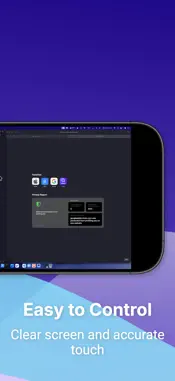
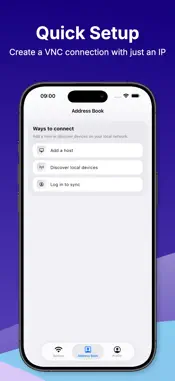
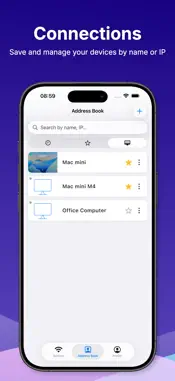
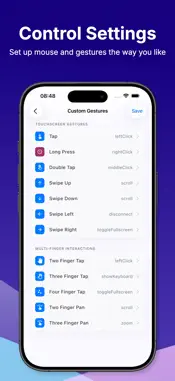
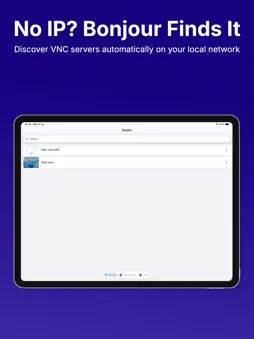
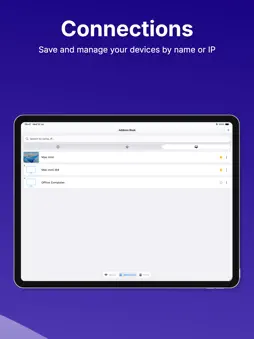
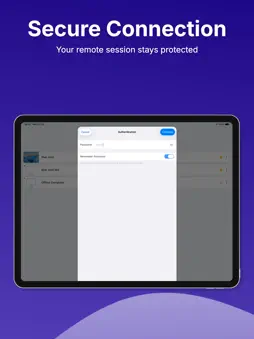
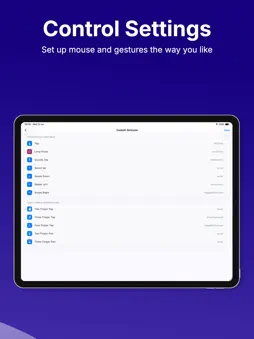
Your desktop, in your hands. Turn your iPhone or iPad into a full remote desktop controller. Whether you're away from the office, on the couch, or across the world — your computer is always just a tap away. CONNECT IN SECONDS • Quick setup: enter a name, host/IP, and port — done • LAN scanner: auto-discover VNC servers on your local network • Ping check: confirm a server is online before you connect • Share & Import: effortlessly share connection details via QR code or link, and import them directly without manual setup • Saved connections with favorites, tags & folders to stay organized • Detailed session history: save and review your past sessions, or jump back into your last connection instantly • Powerful search: find any connection by name or IP CONTROL THAT FEELS NATURAL • Trackpad mode: move the pointer just like a laptop trackpad, with optional inertia • Custom gesture mapping: assign 1/2/3-finger tap, long press, double tap, and pan to left click, right click, middle click, scroll, or drag • Physical mouse support: connect a Bluetooth mouse with adjustable pointer speed and button swap • Tilt control: tilt your device to scroll — no hands needed • Apple Pencil support: precision tapping with optional predictive input • Right-click via long press PERFORMANCE & PRIVACY • Quality presets: Low / Medium / High • Auto-adapt: drops quality automatically on slow or unstable networks • FPS limiter: 15 / 30 / 60 FPS to save battery and reduce heat • Clipboard sync: copy and paste text between your device and remote computer • Session recording & screenshots with privacy mode • Auto-reconnect when your network drops • Saved credentials protected by Keychain • Face ID / Touch ID to unlock credentials instantly • Sign in with Apple: securely sync your connection data across devices so you never lose your setups HOW IT WORKS 1. Install any VNC Server on Windows, macOS, or Linux 2. Set a VNC password in your server settings 3. Open the app — scan your LAN or enter your IP manually 4. Tap Connect. You're in. Built-in Help & Guide walks you through every step.
What's New
Version 1.0.1 2026-07-30
Improved VNC controls and enhanced the user experience with a smoother interface. Technical Analysis
Package Overview Basic metadata
Bundle ID
org.termuxstudio.vncviewer Current Version 1.0.1
Minimum iOS 15.0
Package Size App Store Size
Package Metadata 0 / 0 version records
Detailed binary, privacy manifest, framework, and Info.plist results have not been indexed for this package yet. The verified App Store and archive metadata above remains available.
Developer Information
Known Version Records
0 version records with stored package metadata
Stored metadata does not guarantee a package is currently available to download.
| Details | Version / IDs | Version date | Action |
|---|