
Preview
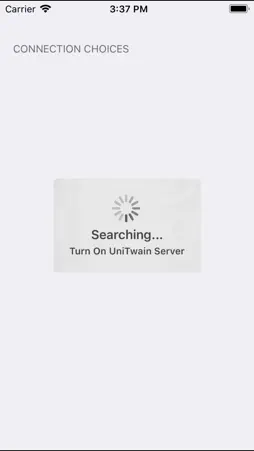


Description
The UnitTwain client enables you to take pictures on your mobile phone and then import them to any TWAIN compliant application on your PC. Install the UniTwain server component to your PC and then start your application and select the UniTwain virtual scanner. Once UniTwain shows up select the Mobile tab and start the UniTwain client on your phone. Now just take photos or choose them from your gallery and they will automatically show up on your PC application. You can also select the scanning option inside the UniTwain client. This way you can take pictures of documents on your table and the UniTwain client will automatically crop out the the surrounding and enhance the document so that it looks as it came right out of a scanning device.
What's New
Version 2.0 2021-06-15
- New Logo. - Fixed issue with random disconnecting from server. - Improved performance. Technical Analysis
Package Overview Basic metadata
Bundle ID
com.terminalworks.UniTwainClient Current Version 2.0
Minimum iOS 8.0
Package Size App Store Size
Package Metadata 0 / 6 version records
Detailed binary, privacy manifest, framework, and Info.plist results have not been indexed for this package yet. The verified App Store and archive metadata above remains available.
Developer Information
Known Version Records
0 version records with stored package metadata • 6 known version records
Stored metadata does not guarantee a package is currently available to download.
| Details | Version / IDs | Version date | Action |
|---|---|---|---|
| Not archived | App Store ID: 842649560 | Unknown | Request Version |
| Not archived | App Store ID: 829977242 | Unknown | Request Version |
| Not archived | App Store ID: 824807608 | Unknown | Request Version |
| Not archived | App Store ID: 817139754 | Unknown | Request Version |
| Not archived | App Store ID: 816616455 | Unknown | Request Version |
| Not archived | App Store ID: 816477664 | Unknown | Request Version |