
Preview



Description
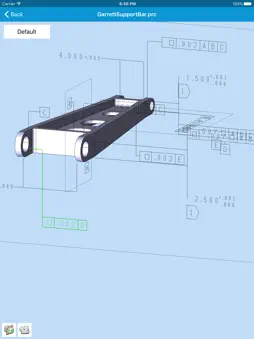
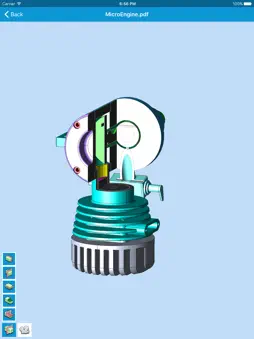
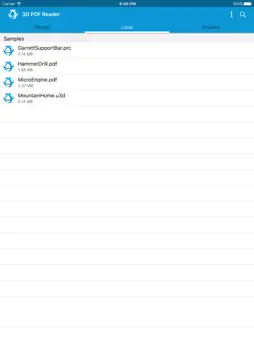
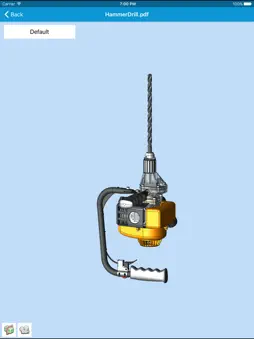
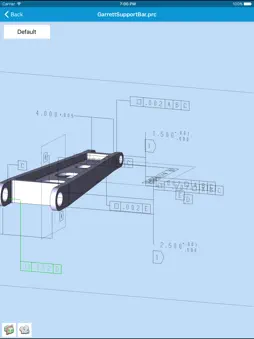
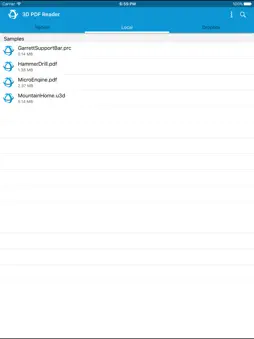
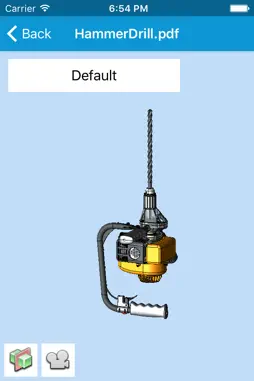
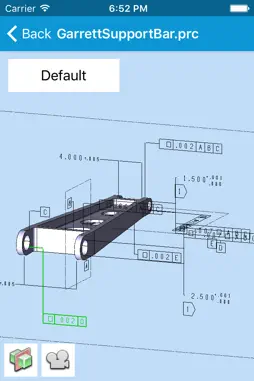
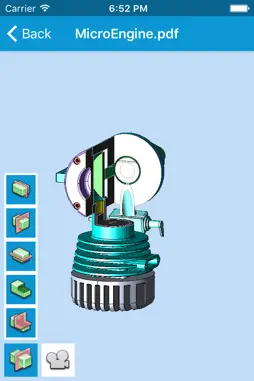
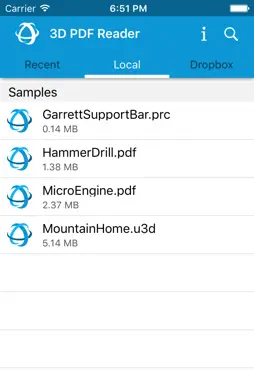
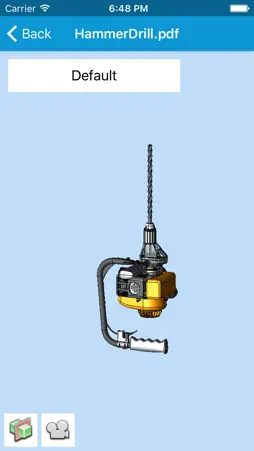
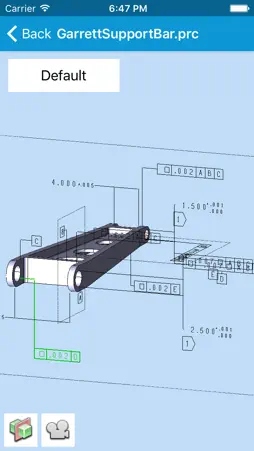
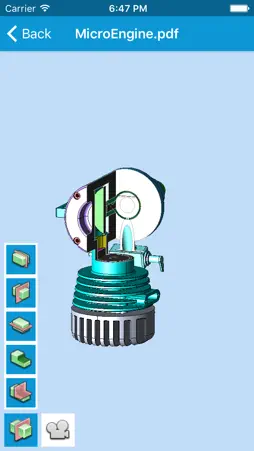
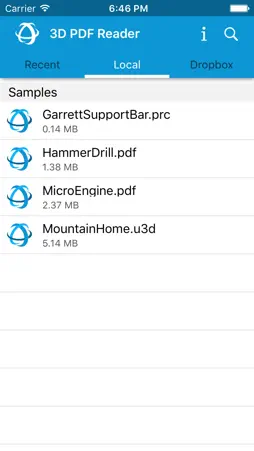
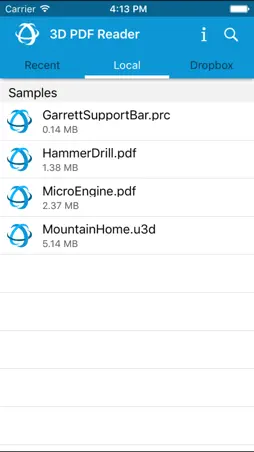
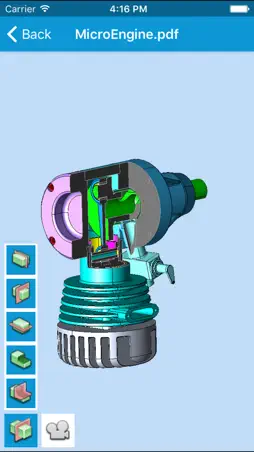
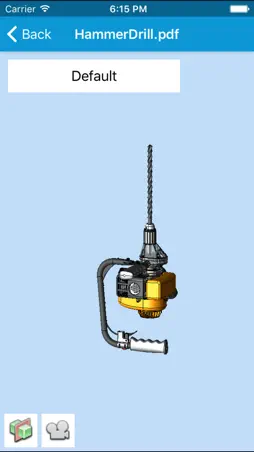
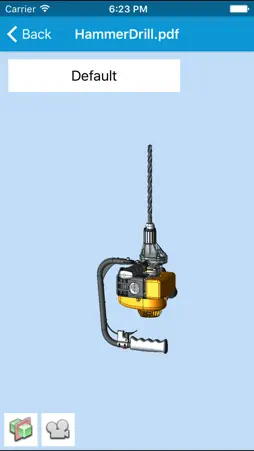
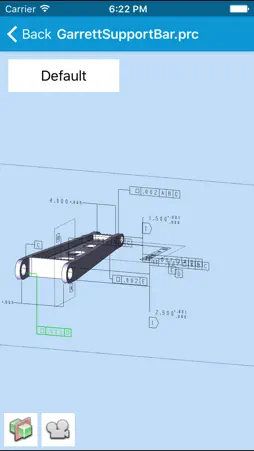
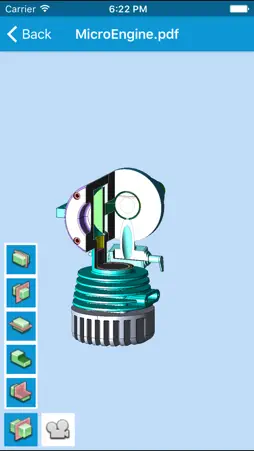
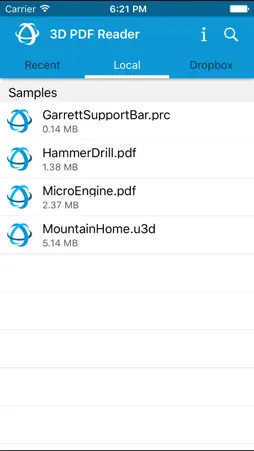
Experience your rich 3D PDF data without being tied to your desktop! 3D PDF Reader extends the usefulness of 3D PDF documents by making it possible to view and interact with 3D PDF data directly on your tablet or smartphone. 3D PDF Reader is developed by Tech Soft 3D, the company Adobe® chose as its technology partner for serving Adobe OEM developers using 3D in their applications. This means the same native 3D technology in Adobe Reader® is also in 3D PDF Reader, ensuring that your 3D content displays on mobile devices the same as on desktops with Adobe Reader. 3D PDF Reader is the only mobile application with 100% format support for the recently ISO-certified PRC format, so you can be sure that 3D content from your standards-compliant 3D PDFs display completely accurately on mobile. Support for Views, Product Manufacturing Information (PMI), isolating and hiding parts in an assembly and creating complex section cuts make 3D PDF Reader much more than a viewer. Key Features: • Directly reads PDF files (3D content only) • Supports .PRC and .U3D (3D PDF) formats • Also supports .HSF, .STL, and .OBJ .JT, .IGS, .IGES, .STP, .STEP, .IFC, .IFCZIP, .X_B, .X_T, .X_MT, and .XMT_TXT formats • Calculates physical properties on a per part basis • Notes any solid geometry as precise (vs. approximate for mesh geometry) • Uses multiple cutting planes to create complex section cuts for seeing the model’s interior • Rotates, pans, and zooms using intuitive multi-touch gestures • Navigates between or animates the transition between various model views • Queries the part names of objects • Isolates or hides components of an assembly • Selects on PMI to determine associated features • Loads models into 3D PDF Reader directly from an email attachment or cloud-based storage applications such as Box or Dropbox
What's New
Version 3.8.1 2018-01-16
This app has been updated by Apple to display the Apple Watch app icon. Fix crash on smaller form factor iPhones running iOS 11. Version 3.8 2018-01-03
Updated to newest Dropbox API. Updated HOOPS Exchange CAD File reading. Updated HOOPS Visualize Rendering Engine. Fixed several highlighting & selection bugs. Version 3.7 2017-08-31
Updated rendering & file loading subsystems. Allow users to enable & disable anti-aliasing. App Store User Reviews
Trains mania 2019-01-13
Great Viewer But...
Overall this a great viewer of 3D models. The PDF has present views from Inventor and the ability to turn off and on certain components is huge since we look a...
Jdigs98362 2020-04-14
Stopped working early 2020
I have been using this and recommending it to customers to review custom engagement ring designs that we submit to them for five years but it recently stopped ...
Thejoby 2013-02-12
It works...but has a limited feature-set
I've been waiting for a 3d PDF viewer for years. This is a great start! Pros: 1) I can open 3D PDF files on my iOS device. But sadly, there is a long way sti...
Popene79 2021-10-26
Good potential but…
Completely outdated and key functionality missing: model tree, measurements, link to Files or other storage app…
LaCangJiang 2018-01-05
Crashes
Like previous reviewer, latest version crashes when trying to select local or Dropbox. IPhoneX: IOS 11.2.1. Turns a useful program useless
nucleus. 2018-01-03
Crashes
The app crashed while tapping on local or Dropbox on SE with iOS 11.2.1
math2277 2018-10-04
Crashes
Loads then crashes
Hal NYC 2017-06-06
Super fantastic!
The engineers send me a 3-D file, and anywhere I am in the country or the world, I can instantly review it, rotate, zoom to micro size, and hide or isolate part...
Lejeanmi 2015-06-05
Much easier to use than Acrobat Reader on a PC
Not sure what all the negative reviews are about. If you follow the instruction you can open models form your DropBox account and choose to open them in this ap...
In the room 2014-05-15
Does not work. Misleading description. A flat 4.99 ripoff
It doesn't work, and you cannot see a key limitation until after you've purchased and downloaded. It does not support PDF without PRC data, so if your pdf was c...
Technical Analysis
Package Overview Package analysis available
Bundle ID
com.techsoft3d.3DPDFReader Current Version 3.8.1
Minimum iOS 8.0
Package Size Latest Recorded Package Size
Package Metadata 1 / 25 version records
ObjectiveDropboxOfficial
com.dropbox.ObjectiveDropboxOfficial v3.3.5iOS 9.0+11.52 MB
Related Apps


Developer Information
Known Version Records
1 version record with stored package metadata • 25 known version records
Stored metadata does not guarantee a package is currently available to download.
| Details | Version / IDs | Version date | Action |
|---|---|---|---|
 108.14 MB | v3.8.1 App Store ID: 841950664Build: 3.8.1 | 2021-04-26 21:26:12 | Get Version |
| Not archived | v3.8.1 App Store ID: 825653819Build: 3.8.1 | 2018-01-16 18:55:55 | Request Version |
| Not archived | v3.8 App Store ID: 825407408Build: 3.8 | 2018-01-03 03:32:44 | Request Version |
| Not archived | v3.7 App Store ID: 823386654Build: 3.7 | 2017-08-31 23:09:06 | Request Version |
| Not archived | v3.6 App Store ID: 822192961Build: 3.6 | 2017-05-18 21:17:29 | Request Version |
| Not archived | v3.5 App Store ID: 820278707Build: 3.5 | 2016-12-23 02:23:03 | Request Version |
| Not archived | v3.4 App Store ID: 820067480Build: 3.4 | 2016-12-09 04:33:45 | Request Version |
| Not archived | v3.3 App Store ID: 818313948Build: 3.3 | 2016-07-30 00:45:56 | Request Version |
| Not archived | v3.2 App Store ID: 817042733Build: 3.2 | 2016-04-17 20:05:39 | Request Version |
| Not archived | App Store ID: 816150242 | Unknown | Request Version |
| Not archived | App Store ID: 816081163 | Unknown | Request Version |
| Not archived | v3.1 App Store ID: 816079651Build: 3.1 | 2016-01-29 08:56:22 | Request Version |
| Not archived | App Store ID: 815480806 | Unknown | Request Version |
| Not archived | App Store ID: 815338145 | Unknown | Request Version |
| Not archived | v3.0 App Store ID: 815322638Build: 3.0 | 2015-12-21 06:25:15 | Request Version |
| Not archived | App Store ID: 813471053 | Unknown | Request Version |
| Not archived | App Store ID: 813432918 | Unknown | Request Version |
| Not archived | App Store ID: 813372583 | Unknown | Request Version |
| Not archived | v2.1 App Store ID: 813371982Build: 2.1 | 2015-09-21 20:58:47 | Request Version |
| Not archived | v2.0 App Store ID: 701242762Build: 2.0 | 2015-07-10 21:04:18 | Request Version |
| Not archived | v1.4 App Store ID: 130842637Build: 1.4 | 2013-11-18 16:44:36 | Request Version |
| Not archived | v1.3 App Store ID: 114632663Build: 1.3 | 2013-11-13 08:48:07 | Request Version |
| Not archived | v1.2 App Store ID: 31312652Build: 1.2 | 2013-09-20 18:19:44 | Request Version |
| Not archived | v1.1 App Store ID: 13223060Build: 1.1 | 2013-01-09 00:03:18 | Request Version |
| Not archived | v1.00 App Store ID: 11485995Build: 1.00 | 2012-10-19 23:11:30 | Request Version |
Sources and limitations
This page combines App Store catalog metadata, historical version records, and archived package scans where available. Ratings are from the App Store, and technical findings are observations rather than certifications. Data freshness, compatibility, availability, and analysis limitations apply.
Stored catalog source: USA App Store storefront. A catalog collection timestamp is not available on this page; displayed metadata is not a live availability, price, or installation check.