
Preview


Description
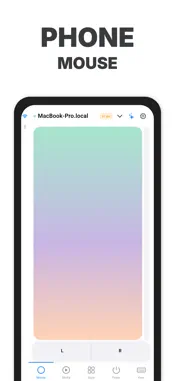
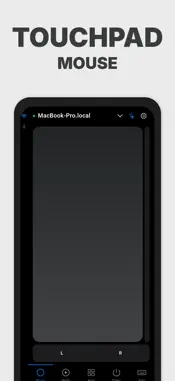
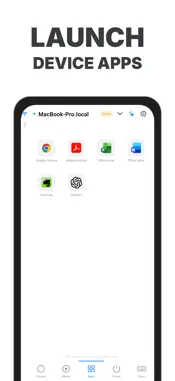
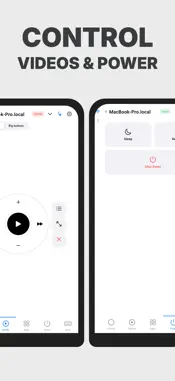
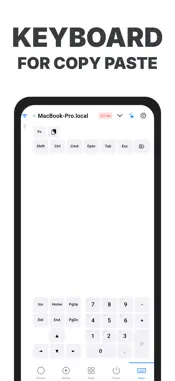
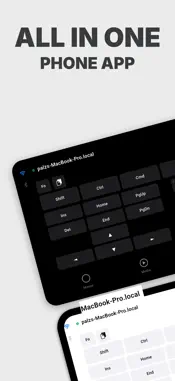
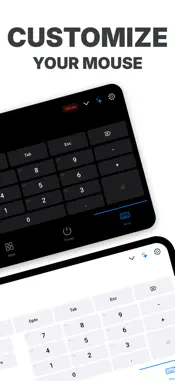
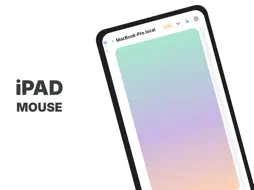
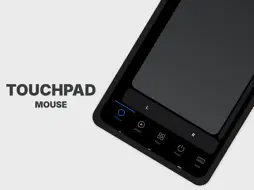
Turn your iPhone or iPad into a wireless trackpad, keyboard, and remote control for any computer — Mac, Windows, or Linux. QR-CODE PAIRING IN 5 SECONDS Download the free helper for your computer, scan the QR code with Phone Mouse, and you're connected. No IP addresses, no Bluetooth pairing dance, no accounts to create. EVERYTHING STAYS ON YOUR WI-FI Phone Mouse talks directly to your computer over your local network using end-to-end encrypted WebSockets with certificate pinning. No data leaves your home. No cloud, no telemetry, no analytics. Open the helper's source code anytime to verify. A REAL TRACKPAD, NOT A TOY • Drag to move the cursor, tap to click • Two-finger tap for right-click • Two-finger drag to scroll (with natural scroll support) • Double-tap and hold to drag and select • Adjustable cursor sensitivity (1–10 scale) • Haptic feedback on every gesture FULL KEYBOARD AT YOUR FINGERTIPS • Modifier keys (Shift, Ctrl, Cmd, Option) with latching support • Function keys F1–F12 with one-tap layer toggle • Number pad with arrow cluster • Page navigation (Home, End, PgUp, PgDn, Insert, Delete) • Clipboard sharing — paste from phone to computer MEDIA, APPS, AND POWER CONTROLS • Play, pause, skip, volume — works with Spotify, Apple Music, YouTube • Launch any app on your computer with a tap • Shut down, restart, sleep, or wake your computer remotely • Wake-on-LAN to power on sleeping computers MAKE IT YOURS • 9 bundled trackpad themes — from minimal gradients to vibrant Sonoma-style backgrounds • Upload your own photo as the trackpad background • Light, dark, and auto themes follow your iOS system setting • 28 languages — English, Spanish, French, German, Japanese, Korean, Mandarin, and more PERFECT FOR • Couch computing — control your TV-connected Mac mini without a real mouse • Presentations — laser pointer mode, slide control, screen blackout • Bedtime browsing — silence music or close apps without getting up • Accessibility — use your phone as an assistive trackpad if your real mouse fails REQUIREMENTS Free desktop helper available for macOS 11+, Windows 10+, and Linux (Debian/Ubuntu/Fedora). Download at phonemouse.app iOS 15.5 or later. Questions? Contact [email protected] Terms of Use: https://appenso.com/legal/terms Privacy Policy: https://appenso.com/legal/privacy
What's New
Version 1.0.2 2026-07-24
fixed bugs made improvements Technical Analysis
Package Overview Basic metadata
Bundle ID
app.phonemouse Current Version 1.0.2
Minimum iOS 15.5
Package Size App Store Size
Package Metadata 1 / 1 version records
Detailed binary, privacy manifest, framework, and Info.plist results have not been indexed for this package yet. The verified App Store and archive metadata above remains available.
Developer Information
Known Version Records
1 version record with stored package metadata
Stored metadata does not guarantee a package is currently available to download.
| Details | Version / IDs | Version date | Action |
|---|---|---|---|
| 58.53 MB | v1.0.2 App Store ID: 885819966Build: 1.0.2 | 2026-07-25 00:51:15 | Get Version |