
Preview

Description
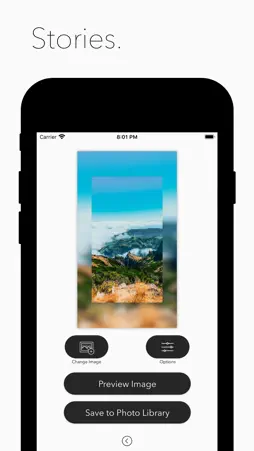
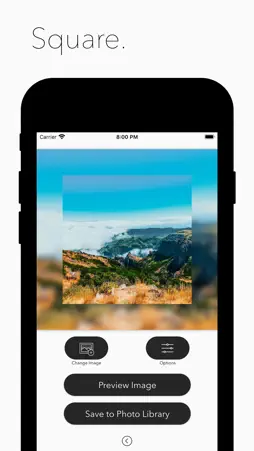
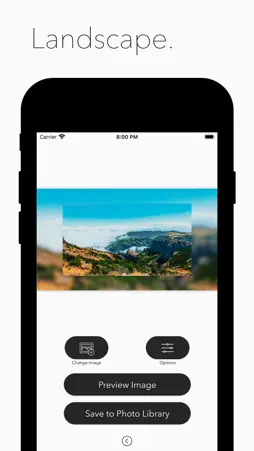
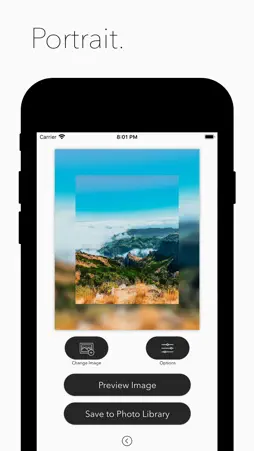
Create artistic photos accented wth a blurred edge. ▶ First select your size mode. (Square, Landscape, Portrait, Stories) ▶ Tap the Choose Size button and select a photo from your Photo Library. ▶ Resize and reposition your chosen photo inside your frame. ▶ Tap the Options button to experiment with different editing options including round corners, foreground size and background size. ▶ Tap Preview to view a full sized preview of your created photo. ▶ Tap Save to Photo Library to export your final creation into your photo library. Enjoy using the app! ◆ Customer Support You can reach us at [email protected] and we will do our best to solve all of your problems and questions related to the app. We would love to hear from you! Please let us know if you have any questions, concerns or suggestions by sending an email to: [email protected].
What's New
Version 1.0.2 2020-05-01
This version contains UI updates and bug fixes -Thank you for using Blurred Edge Maker Technical Analysis
Package Overview Basic metadata
Bundle ID
TLogic.BLU Current Version 1.0.2
Minimum iOS 11.0
Package Size App Store Size
Package Metadata 1 / 3 version records
4.5 / 5.0 (21 ratings)
Detailed binary, privacy manifest, framework, and Info.plist results have not been indexed for this package yet. The verified App Store and archive metadata above remains available.
Known Version Records
1 version record with stored package metadata • 3 known version records
Stored metadata does not guarantee a package is currently available to download.
| Details | Version / IDs | Version date | Action |
|---|---|---|---|
| 16.45 MB | v1.0.2 App Store ID: 835755564Build: 1.0.2 | 2020-05-01 07:33:33 | Get Version |
| Not archived | App Store ID: 835049218 | Unknown | Request Version |
| Not archived | App Store ID: 834742414 | Unknown | Request Version |