Preview


Description
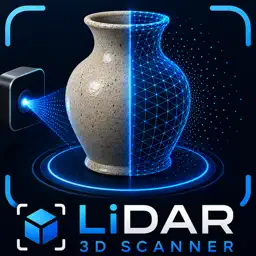
LiDAR 3D Scanner turns real-world objects into detailed 3D models using your iPhone’s camera and supported depth-sensing technology. Capture an object from multiple angles, let the app process the scan, then preview the finished model directly on your device. You can inspect it from every direction, view it in augmented reality, save it to the Files app, or share it with other apps and devices. The guided scanning workflow helps you collect the images needed for a more complete reconstruction. Automatic capture allows you to move around the object naturally while the app records suitable views. When you are finished, simply stop the scan and choose whether to create and save the 3D model. Key features • Guided object scanning • Automatic image capture • 3D model generation from multiple viewpoints • Interactive model preview • Augmented reality viewing • Save models to the Files app • Share models using AirDrop, Messages, Mail, and compatible apps • Simple start, stop, and save workflow • On-device camera-based capture • Support for compatible LiDAR-equipped devices How it works 1. Place the object in a well-lit area. 2. Start automatic scanning. 3. Slowly move around the object and capture it from different heights and angles. 4. Stop the scan when the object has been fully covered. 5. Generate and preview the completed 3D model. 6. Save or share the result. For the best results, use even lighting, avoid strong reflections, keep the object still, and make sure every side is visible during scanning. Objects with clear textures and visible surface details generally produce better results than transparent, reflective, very dark, or completely featureless objects. LiDAR 3D Scanner is useful for digital archiving, creative projects, product visualization, reference models, education, design experiments, and exploring 3D capture technology. Scan the world around you and turn physical objects into portable digital models.
Technical Analysis
Package Overview Basic metadata
Bundle ID
com.codex.lidarmap Current Version 1.0
Minimum iOS 17.0
Package Size App Store Size
Package Metadata 0 / 1 version records
Detailed binary, privacy manifest, framework, and Info.plist results have not been indexed for this package yet. The verified App Store and archive metadata above remains available.
Developer Information
Known Version Records
0 version records with stored package metadata • 1 known version records
Stored metadata does not guarantee a package is currently available to download.
| Details | Version / IDs | Version date | Action |
|---|---|---|---|
| Not archived | App Store ID: 888722247 | Unknown | Paid / Arcade |