Preview



Description
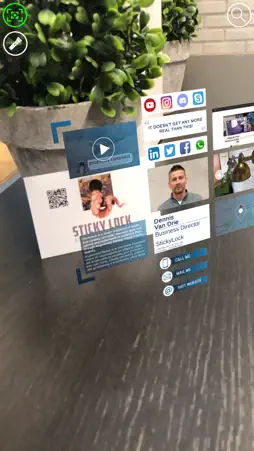
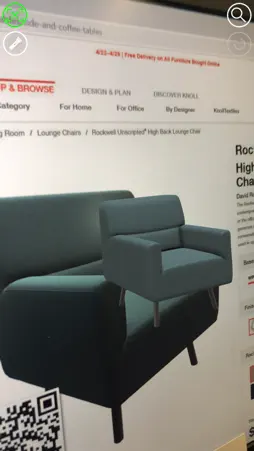
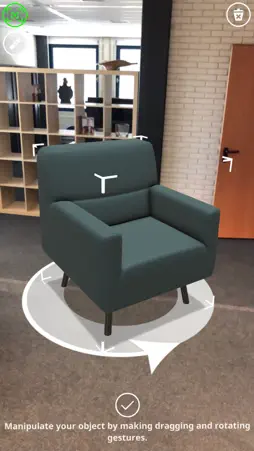
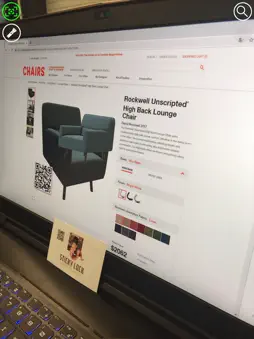
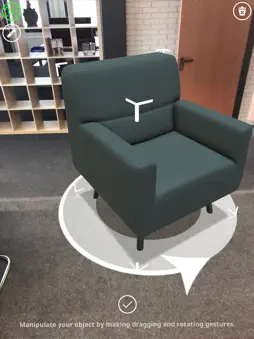
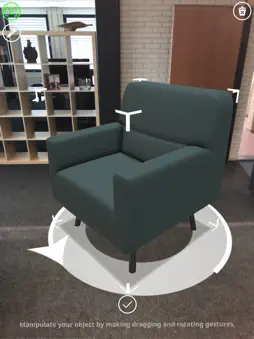
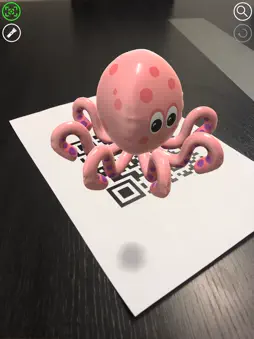
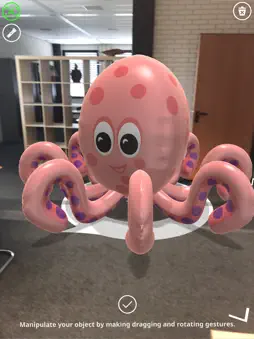
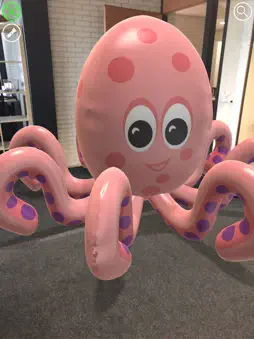
The simplest way to experience Augmented Reality is with a smartphone or tablet. The camera on the mobile device shows the environment on the screen, the software calculate the perspective and lays a layer over it. This makes it able to place a object on the floor. When you walk around the object it stays exactly on the same place. This makes it seem as if the object is literally next to you! 1. Scan an AR enabled QR code. 2. View the AR content on the QR code. 3. Tap the AR content 4. Scan the floor and place it life-size in a real environment.
What's New
Version 3.1 2020-11-15
App update to add support for iOS 14.2 Technical Analysis
Package Overview Package analysis available
Bundle ID
com.stickylock.arscanner Current Version 3.1
Minimum iOS 12.0
Package Size App Store Size
Package Metadata 1 / 6 version records
UnityFramework
com.unity3d.framework v1.0iOS 12.0+32.84 MB
Developer Information
Known Version Records
1 version record with stored package metadata • 6 known version records
Stored metadata does not guarantee a package is currently available to download.
| Details | Version / IDs | Version date | Action |
|---|---|---|---|
 74.78 MB | v3.1 App Store ID: 839079165Build: 22 | 2020-11-13 03:15:46 | Get Version |
| Not archived | App Store ID: 838242460 | Unknown | Request Version |
| Not archived | App Store ID: 836037084 | Unknown | Request Version |
| Not archived | App Store ID: 834761306 | Unknown | Request Version |
| Not archived | App Store ID: 832809316 | Unknown | Request Version |
| Not archived | App Store ID: 829275207 | Unknown | Request Version |