
Preview


Description
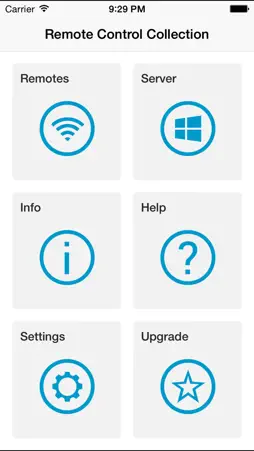
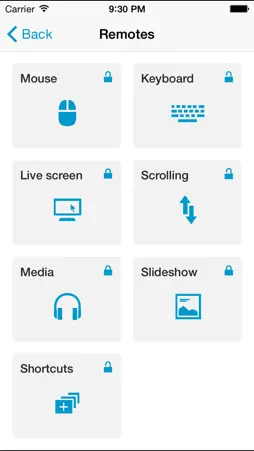
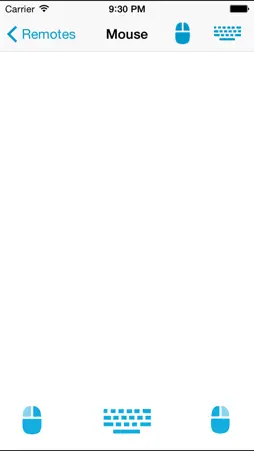
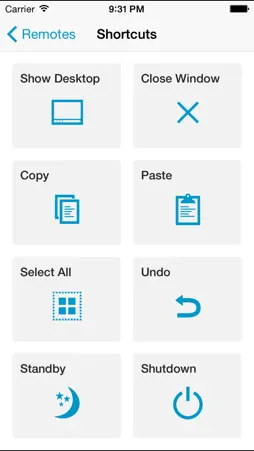
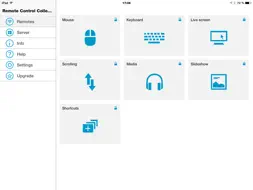
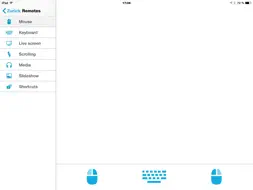
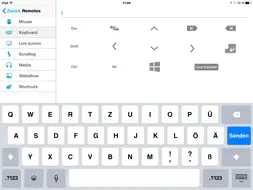
Use your iOS device as a remote for your Windows PC - Control the mouse, keyboard, media, presentations and more! The Remote Control Collection is a compilation of remotes, which you can use to wirelessly control your Windows PC. The unified remotes enable you to control the PC beyond mouse and keyboard! Included remote controls are: -Mouse -Keyboard -Live Screen (Pro) -Speech recognition -Media Player (Pro) -Slideshows (Pro) -Scroll -Shortcuts Mouse Remote Imagine your PC’s touchpad right on your iOS device. Multitouch gestures like scrolling and zooming are supported. You can toggle the keyboard to send keys at the same time. Keyboard Remote Use the physical or virtual keyboard to type characters and they will appear on your PC. Important keys like Windows, Escape and Control are also available. Desktop Remote See your PC's screen right on your iOS device live and control the mouse at the same time. Media Remote Control the media player of your choice! Supported are Windows Media Player, iTunes, Spotify, VLC, Media Monkey, Songbird and more. Presenter Remote Control your slideshows directly from your mobile device! The screen of your PC will be transmitted to your device in real time! That works with Powerpoint, Impress, Adobe Reader and Windows Media Center. Scroll Remote Easily navigate through long websites like Facebook, 9gag or something similar. Shortcuts Shutdown the PC from your bed or use the most common keyboard shortcuts to work faster. To receive the commands from the Remote Control App, you will need the Remote Control Server. You can download it for free from: http://ios-remote.com If you have trouble setting up a connection, follow this step-by-step guide or watch the video tutorial at: http://ios-remote.com/help/
What's New
Version 1.1 2015-04-09
Minor bug fixes and performance improvements Technical Analysis
Package Overview Basic metadata
Bundle ID
com.steppschuh.remotecontrolcollection Current Version 1.1
Minimum iOS 7.0
Package Size Latest Recorded Package Size
Package Metadata 1 / 3 version records
Detailed binary, privacy manifest, framework, and Info.plist results have not been indexed for this package yet. The verified App Store and archive metadata above remains available.
Developer Information
Known Version Records
1 version record with stored package metadata • 3 known version records
Stored metadata does not guarantee a package is currently available to download.
| Details | Version / IDs | Version date | Action |
|---|---|---|---|
 2.64 MB | v1.1 App Store ID: 837079501Build: 0 | 2020-07-29 17:48:52 | Get Version |
| Not archived | App Store ID: 812142920 | Unknown | Request Version |
| Not archived | App Store ID: 435132656 | Unknown | Request Version |