
Preview
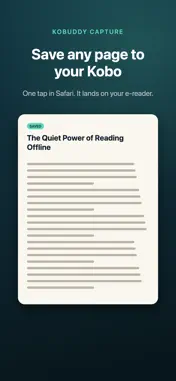


Description
Kobuddy Capture is a Safari extension that lets you save any web page directly to your Kobo e-reader with a single tap. Browse the web on your iPhone, find an article you want to read later, and tap the Kobuddy Capture button — the page is converted to Kobo's native format and delivered to your e-reader automatically. FEATURES • One-tap saving — Tap the extension icon in Safari to capture the current page • Native Kobo format — Content is converted for the best reading experience on your Kobo device • Offline reading — Saved content is available on your Kobo even without an internet connection • Clean formatting — Articles are cleaned up and optimized for e-ink displays • Works with any web page — Save articles, blog posts, news stories, and more HOW IT WORKS 1. Install Kobuddy Capture and enable it in Safari 2. Connect your Kobo e-reader through kobuddy.app 3. Browse the web and tap the extension icon to save any page 4. Your saved content appears on your Kobo, ready to read Kobuddy Capture requires a Kobuddy account at kobuddy.app to deliver content to your Kobo device.
Technical Analysis
Package Overview Basic metadata
Bundle ID
app.kobuddy.capture Current Version 1.0
Minimum iOS 15.0
Package Size App Store Size
Package Metadata 0 / 0 version records
Detailed binary, privacy manifest, framework, and Info.plist results have not been indexed for this package yet. The verified App Store and archive metadata above remains available.
Developer Information
Known Version Records
0 version records with stored package metadata
Stored metadata does not guarantee a package is currently available to download.
| Details | Version / IDs | Version date | Action |
|---|