
Preview

Description
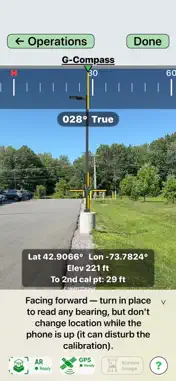
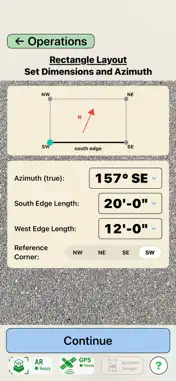
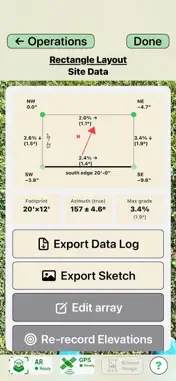
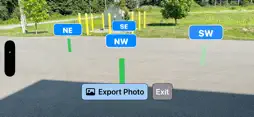
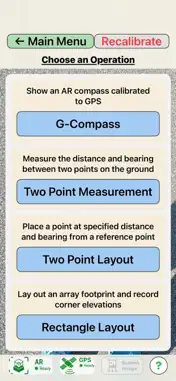
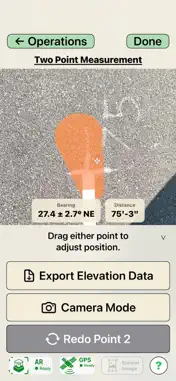
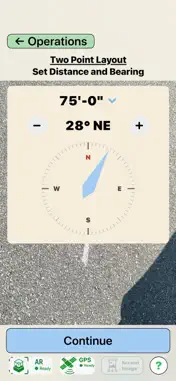
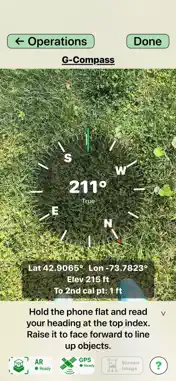
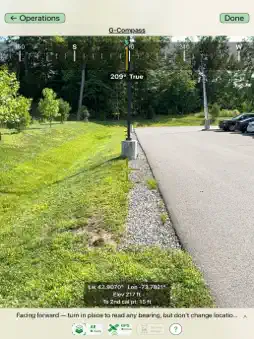
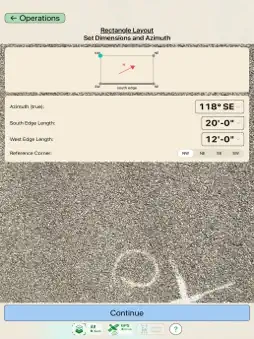
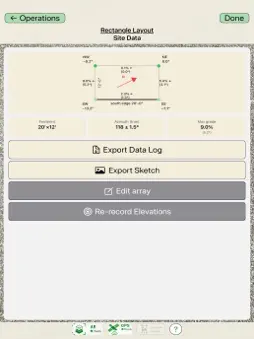
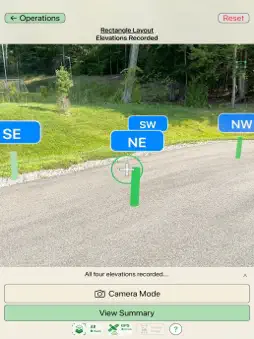
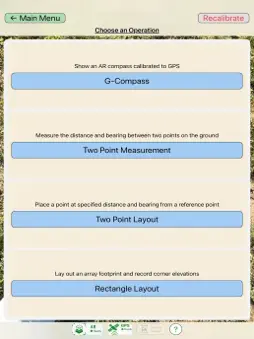
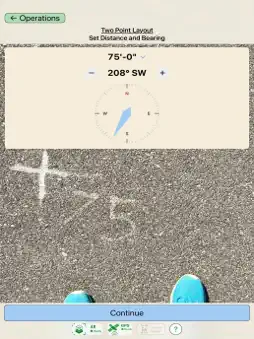
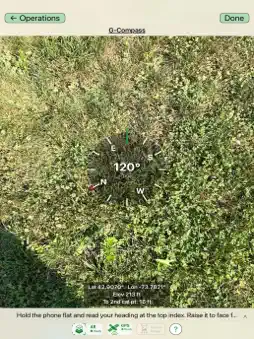
A field compass you can finally trust. ARrayVue® Lite reads true-north bearings from GPS and augmented reality (AR) — not your phone's magnetometer — so nearby steel, rebar, vehicles, and local magnetic disturbances don't pull it off course, and there's no declination to set. From that same calibrated foundation it also measures distances and bearings between points, lays out new points and rectangles, and captures corner elevations — all visualized right in your camera view. Whether you're laying out a solar array, surveying land, planning an installation, marking boundaries, or aligning structures, ARrayVue Lite turns your phone into a practical field layout and directional-measurement tool. KEY FEATURES G-Compass — Calibrated AR Compass Read a stable true-north heading referenced to GPS, free of the magnetic interference and declination errors that throw off phone compasses and even quality sighting compasses. Readings are already true north — there's no magnetic declination to add or subtract. Sight the bearing to any object using the on-screen aiming crosshair. Two Point Measurement Mark two points — such as existing stakes — to instantly read the azimuth (bearing) and distance between them, so you can verify a layout was set correctly. Two Point Layout Place a point at a specified distance and azimuth from a reference point. Stake out with accurate orientation and spacing, even where tall grass or obstacles defeat a tape measure. Rectangle Layout Enter length, width, and orientation, and ARrayVue Lite generates the four corners in real space — so you can confirm the array fits the location and stake it out square. Walk to each corner to record its elevation and reveal the site's slopes for planning. Real-World AR Visualization See points, lines, and layouts overlaid directly onto your surroundings through augmented reality — no guesswork translating a drawing to the ground. Accurate GPS Integration A short guided calibration anchors every measurement to real-world coordinates and true north; from then on, your operations inherit that accuracy. IDEAL FOR - Solar array layout - Surveying and field layout - Construction and site planning - Land measurement - Outdoor mapping and orientation - Engineering and field operations HOW IT WORKS ARrayVue Lite calibrates augmented reality to GPS with a short walk between two points, then holds that reference as you work. For best results, use it outdoors with a clear view of the sky. ARrayVue Lite helps you plan, measure, and visualize spatial layouts with confidence — directly in the world in front of you.
What's New
Version 1.4 2026-09-30
More accurate distances, especially on iPad. ARrayVue Lite now corrects for how the device's AR camera measures ground distance. On iPad, measured distances p... Technical Analysis
Package Overview Basic metadata
Bundle ID
com.sfusa.G-Compass Current Version 1.4
Minimum iOS 17.6
Package Size App Store Size
Package Metadata 0 / 1 version records
Detailed binary, privacy manifest, framework, and Info.plist results have not been indexed for this package yet. The verified App Store and archive metadata above remains available.
Price History (USA store)
3 recorded price change points. These are historical observations, not a guarantee of the current price.
| Recorded at | Price | Currency |
|---|---|---|
| 0.0 | USD | |
| 6.99 | USD | |
| 0.0 | USD |
Developer Information
Known Version Records
0 version records with stored package metadata • 1 known version records
Stored metadata does not guarantee a package is currently available to download.
| Details | Version / IDs | Version date | Action |
|---|---|---|---|
| Not archived | App Store ID: 883317582 | Unknown | Request Version |