
Preview


Description
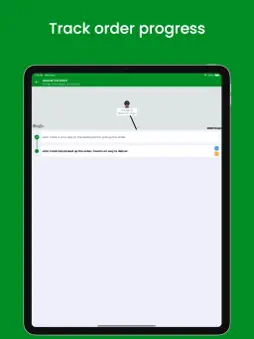
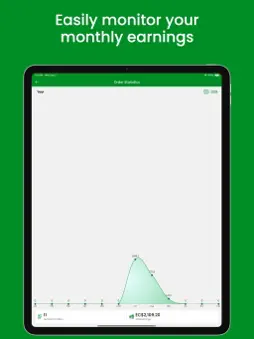
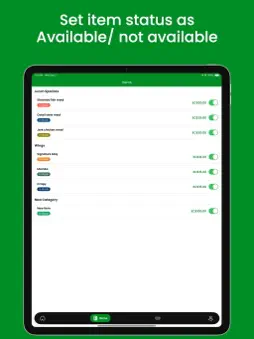
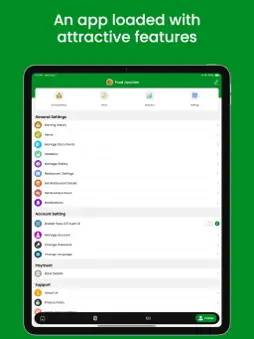
Haylup Eats Vendor is the dedicated restaurant management app for businesses partnered with the Haylup food delivery platform. Designed for restaurant owners and staff, the app provides a simple way to receive customer orders, manage food preparation, update order status, control menu availability, and coordinate deliveries—all from one convenient platform. Whether you're managing a restaurant, café, takeaway business, or other supported food vendor, Haylup Eats Vendor helps keep your daily food ordering operations organized and connected. - Receive Customer Orders • Receive incoming food orders in real time • View complete order details • Review ordered items and quantities • Accept or reject orders based on availability • Receive instant notifications for new orders • Keep track of active and completed orders - Manage Food Preparation Keep your kitchen workflow organized from order acceptance to completion. • View orders that require preparation • Review customer order details • Update preparation status • Mark orders as ready when prepared - Manage Your Menu Keep your digital menu accurate and up to date. • Manage menu item availability • Update item status when products are unavailable • Keep customers informed about available selections - Coordinate Food Deliveries Haylup Eats Vendor helps restaurants coordinate the fulfillment of customer orders. • Prepare orders for delivery • View relevant delivery information • Coordinate with delivery partners • Update order status throughout fulfillment • Help ensure orders reach customers efficiently - Real-Time Order Updates Stay informed throughout the entire order lifecycle. • New order notifications • Order acceptance updates • Preparation status updates • Ready-for-pickup notifications • Important restaurant notifications - Manage Daily Restaurant Operations Haylup Eats Vendor gives restaurant owners and staff a centralized place to manage their food delivery activity. • Monitor active orders • Review completed orders • Track order activity • Manage restaurant availability • Keep your digital ordering operation organized - Simple Restaurant Workflow 1 Receive – Get a new customer order through Haylup Eats. 2 Review – Check the items, quantities, and order details. 3 Accept – Confirm the order or reject it when necessary. 4 Prepare – Start preparing the customer's meal. 5 Update – Keep the order status updated as it progresses. 6 Fulfill – Mark the order ready and coordinate pickup or delivery. 7 Complete – Complete the order and keep it available in your order history. - Why Use Haylup Eats Vendor? * Real-time food order management * Easy order acceptance and rejection * Organized preparation workflow * Menu availability management * Real-time order status updates * Instant notifications * Customer and delivery information * Active and completed order tracking * Simple tools for restaurant staff - Built for Food Businesses Haylup Eats Vendor helps restaurants and food vendors extend their reach beyond traditional walk-in customers. By connecting your business with the Haylup Eats platform, you can receive digital orders, manage preparation, coordinate delivery, and provide customers with a convenient ordering experience. - Serve Customers With Ease From the moment a customer places an order to the moment it is ready for pickup or delivery, Haylup Eats Vendor helps your team stay informed and organized. Spend less time managing complicated ordering processes and more time preparing great food for your customers. Download Haylup Eats Vendor and manage your restaurant's food delivery orders with ease. - Haylup Eats Vendor — Receive. Prepare. Serve.
Technical Analysis
Package Overview Basic metadata
Bundle ID
com.haylupeats.vendor Current Version 1.0
Minimum iOS 17.0
Package Size App Store Size
Package Metadata 0 / 0 version records
Detailed binary, privacy manifest, framework, and Info.plist results have not been indexed for this package yet. The verified App Store and archive metadata above remains available.
Developer Information
Known Version Records
0 version records with stored package metadata
Stored metadata does not guarantee a package is currently available to download.
| Details | Version / IDs | Version date | Action |
|---|