
Preview




Description
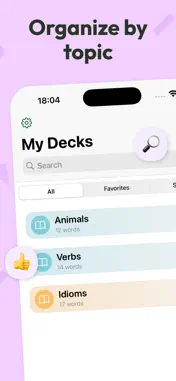
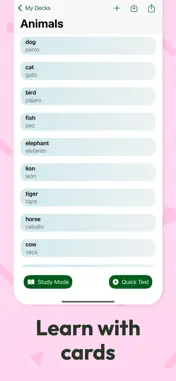
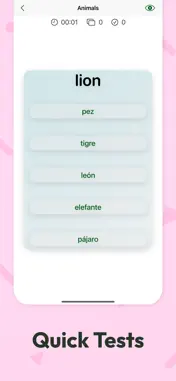
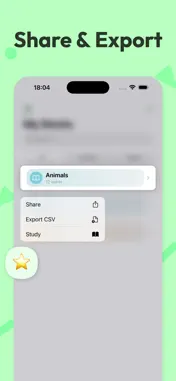
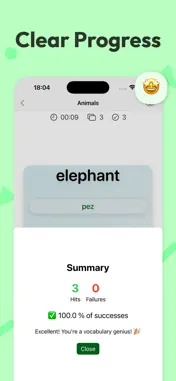
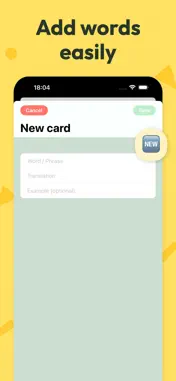
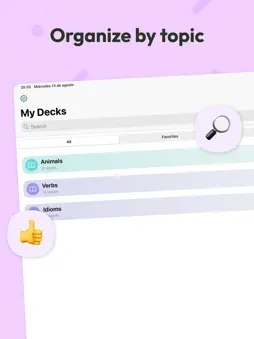
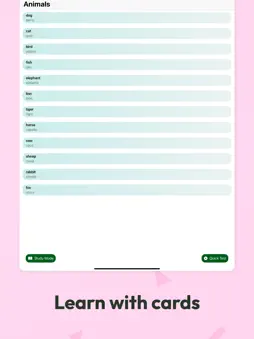
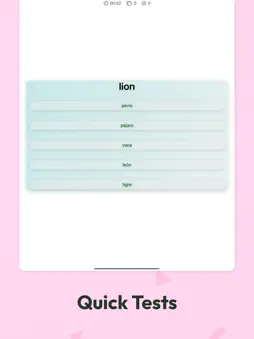
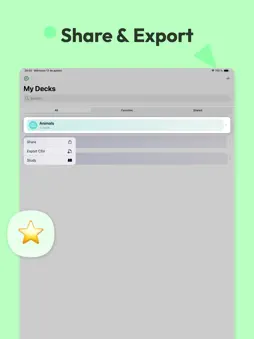
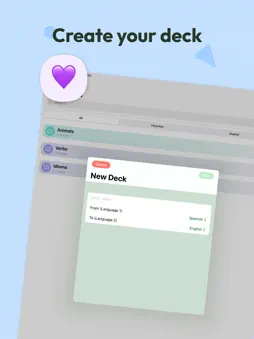
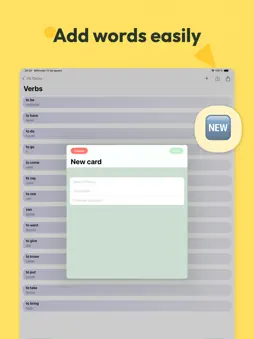
LinguaCards helps you learn languages with flexible flashcards, quick quizzes, and clear progress tracking. Choose your source and target languages, create decks by topic, add cards in seconds, and study anywhere—no connection required. Why you’ll love it • Any source → any target: pick the languages you want. • Topic-based decks: keep vocabulary, verbs, and idioms organized. • Fast card creation: word, translation, and optional example. • Study Mode: flip to reveal and move at your pace. • Quick Tests: multiple-choice quizzes to reinforce learning. • Progress insights: hits, failures, success rate. • Favorites & search: find the right deck instantly. • Export & share: one-tap CSV export to back up or collaborate. • Private & offline: your data stays on your device. How to Use (Quick Guide) - Create a deck: Tap “New Deck”, name it, and select source & target languages. - Add cards: Open the deck → “New Card” → fill Word, Translation, and (optional) Example. Save. - Study: In the deck, choose Study Mode. Tap to reveal, swipe/advance to the next card. - Quick Test: Tap Quick Test for a multiple-choice quiz. Review the summary at the end. - Track progress: Check hits, failures, and success rate in the deck’s summary. - Organize: Use search and Favorites to keep important decks at hand. - Export/Share: Open the deck menu → Export CSV or Share. - Offline: Everything works without internet; your progress is stored locally.
Technical Analysis
Package Overview Basic metadata
Bundle ID
com.sergiomusoles.flashcards Current Version 1.0
Minimum iOS 18.0
Package Size App Store Size
Package Metadata 1 / 1 version records
Detailed binary, privacy manifest, framework, and Info.plist results have not been indexed for this package yet. The verified App Store and archive metadata above remains available.
Developer Information
Known Version Records
1 version record with stored package metadata
Stored metadata does not guarantee a package is currently available to download.
| Details | Version / IDs | Version date | Action |
|---|---|---|---|
| 4.08 MB | v1.0 App Store ID: 876064172Build: 1.0 | 2025-08-20 09:14:25 | Get Version |