Preview




Description
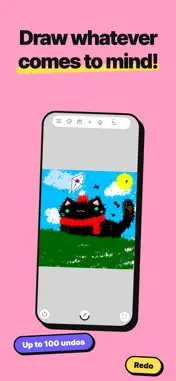
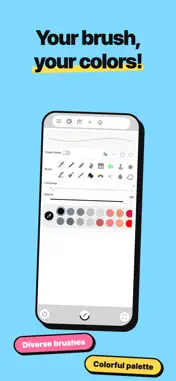
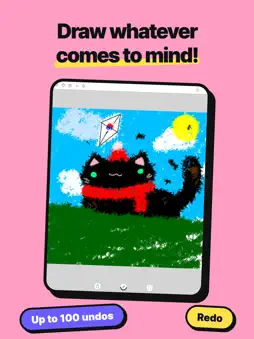
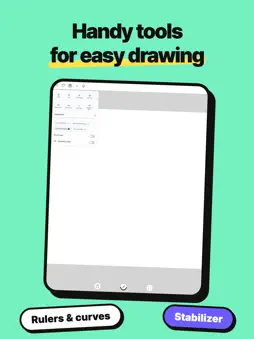
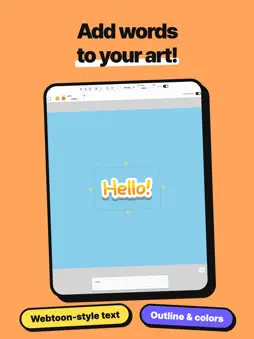
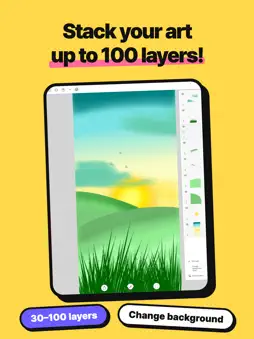
It's easy! Open the app and start sketching freely, just like doodling on paper. With no complicated menus, it’s a lightweight sketching and drawing app that anyone—kids and adults alike—can enjoy right away. Plus, it’s packed with clever, fun features to explore as you draw. • Instant Symmetry – Draw once to easily create mandalas or symmetrical faces • Stabilizer & Rulers – Draw smooth, clean straight lines and curves without jitter • Webtoon-Style Text – Add fun messages over your art with custom outlines and colors • Layer Drawing – Stack up to 100 layers when needed (varies by canvas size) • Worry-Free Undos – Relax and undo up to 100 times if you make a mistake • Auto-Save & Cloud Backup – Safely preserve your precious drawings to Google Drive From casual doodles, journal decorating, and hand-drawn notes to vibrant illustrations! Unleash your imagination on a clean, lightweight canvas today. [Key Features] ▶ Drawing Tools - Diverse brushes (Standard pen, pencil, paintbrush, brush pen, neon pen, rainbow, stamps, etc.) - Brush size and opacity control, eraser with blur mode - Freehand lines, straight lines, rectangles, and circles - Eyedropper, paint bucket (fill), and gradients ▶ Layers & Editing - Up to 100 layers (Alpha lock, merge, duplicate) ※ Maximum layers depend on canvas resolution (e.g., up to 100 on 1024x1024, 31 on 2048x2048) - Restore deleted layers - Up to 100 undos and redos - Stroke stabilizer for smooth lineart - Precision cursor and pen tool for detailed drawing and cutting out subjects from images ▶ Drawing Aids - Straight, ellipse, and curve rulers; grid guides - Mirror mode and symmetrical cursor (decalcomania) - Custom canvas sizes, pinch-to-zoom, and canvas rotation - Text tool with custom outlines and cartoon/webtoon effects - Selection tool: cut, copy, and paste ▶ Files & Storage - Google Drive sync for backing up and restoring project files - Import images directly from your gallery or camera - Save and load works in progress - Export and share finished artwork to your photo album If you have any suggestions or encounter any issues, please reach out via a review or email. Privacy Policy: https://sites.google.com/view/drawingboard-privacy-policy ※ App Permissions [Optional Permissions] "Camera": Required to take photos and import captured images directly onto your canvas.
What's New
Version 1.0.17 2026-10-30
• Added 6 app themes to match your style (Dark, Kids, Strawberry Milk, Cotton Candy, and more)! • Improved file saving and overall app stability. Technical Analysis
Package Overview Basic metadata
Bundle ID
com.yys.drawingboard2 Current Version 1.0.17
Minimum iOS 26.0
Package Size App Store Size
Package Metadata 0 / 0 version records
Detailed binary, privacy manifest, framework, and Info.plist results have not been indexed for this package yet. The verified App Store and archive metadata above remains available.
Developer Information
Known Version Records
0 version records with stored package metadata
Stored metadata does not guarantee a package is currently available to download.
| Details | Version / IDs | Version date | Action |
|---|