Preview




Description
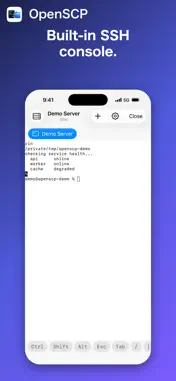
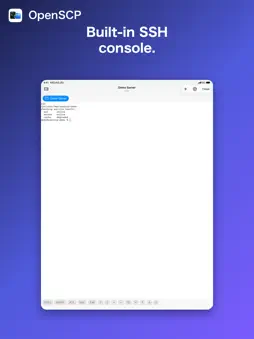
OpenSCP brings WinSCP's familiar interface and workflow to a native Mac app, built with Swift and AppKit for speed and a true macOS feel. KEY FEATURES • Two interface styles, just like WinSCP: Explorer (single remote pane with directory tree) and Commander (dual-pane local/remote), switchable anytime in Preferences. • Full WinSCP-style function keys: F2 rename, F3 view, F4 edit externally, F5 download/copy, F6 upload/move, F7 new directory, F8 delete, F9 permissions (chmod). • Built-in console: run shell commands in the remote working directory, with command history. • External editor integration: edit remote files in VS Code, Cursor, Zed, Sublime Text, BBEdit, CotEditor, or any installed editor — save locally and the file re-uploads automatically. • Host key verification: fingerprint confirmation on first connect and warnings if a server's key changes, just like OpenSSH. • Sortable file lists (name, size, type, date modified, permissions, owner), icon/list/detail views, and transfer progress with speed and cancel support. • Saved sites sync across your Macs and to the companion iPhone/iPad app via iCloud Keychain (passwords) and iCloud Drive (site settings). • Pure Swift SSH implementation (Citadel / SwiftNIO SSH) — no external binaries required. Currently supports the SFTP protocol. OpenSCP is free with up to 3 saved sites and 1 session at a time. OpenSCP Pro (one-time purchase) removes those limits for unlimited saved sites and simultaneous sessions.
Technical Analysis
Package Overview Basic metadata
Bundle ID
net.moqs.openscp Current Version 1.0.0
Minimum iOS 17.0
Package Size App Store Size
Package Metadata 0 / 0 version records
Detailed binary, privacy manifest, framework, and Info.plist results have not been indexed for this package yet. The verified App Store and archive metadata above remains available.
Developer Information
Known Version Records
0 version records with stored package metadata
Stored metadata does not guarantee a package is currently available to download.
| Details | Version / IDs | Version date | Action |
|---|