
Preview






Description
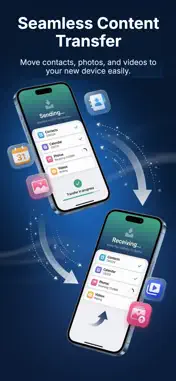
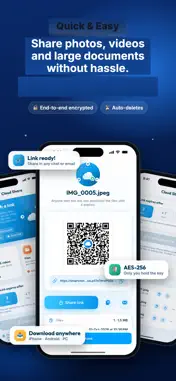
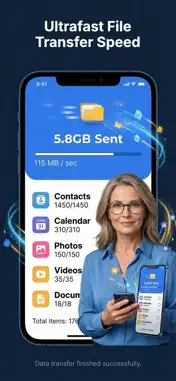
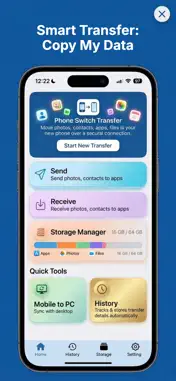
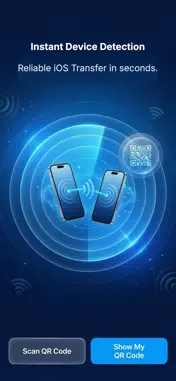
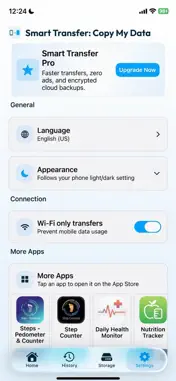
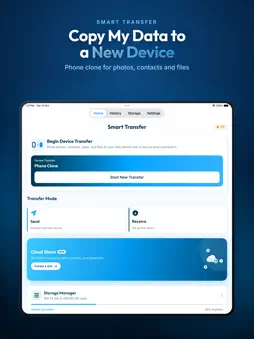
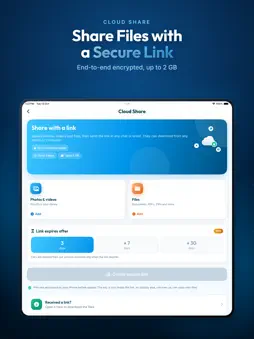
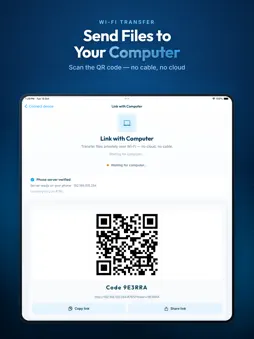
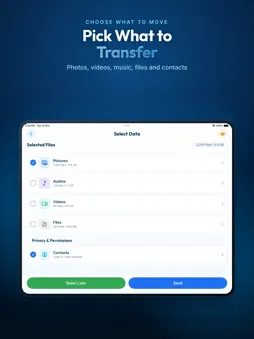
Copy my data from your old phone to your new iPhone in minutes. Smart Transfer is the phone clone app that moves your contacts, photos, videos, music and files over Wi-Fi, with no cable and no account. Switching phones should take minutes, not an evening. Install Smart Transfer on both devices, scan a QR code to pair them, choose what you want to move and tap transfer. Your new iPhone or iPad is ready to go. WHAT YOU CAN TRANSFER • Contacts: copy your whole address book, or export contacts as a vCard file • Photos & videos: original files in full resolution, nothing compressed • Music & audio: move your audio files to the new phone • Files & documents: PDFs, ZIPs and more WHY PEOPLE CHOOSE SMART TRANSFER • No cable needed: everything moves over your local Wi-Fi • No account, no sign-up, no email • No size limits on nearby phone-to-phone transfers • Device-to-device: nearby transfers go straight from one phone to the other • Fast: most transfers finish in a few minutes MORE TOOLS • Link with Computer: send files between your phone and a computer's web browser over Wi-Fi by scanning a QR code • Cloud Share: send files to anyone with a private, encrypted link (up to 2 GB, or 20 GB with Pro) • Storage Manager: see how much space your photos, videos, music and contacts use HOW IT WORKS 1. Install Smart Transfer on both phones 2. Open the app and scan the QR code to pair them 3. Pick what to move: contacts, photos, videos, music or files 4. Done. Your new phone is ready PRIVACY FIRST Nearby transfers move your photos, contacts and files directly between your two devices over your own network. If you use Cloud Share, files are encrypted before upload and the link expires automatically. We never sell your data. Download Smart Transfer and move everything to your new phone in one go. Privacy Policy: https://appstoreapps2025.blogspot.com/p/smart-clone-privacy-policy-ios.html Terms of Use (EULA): https://www.apple.com/legal/internet-services/itunes/dev/stdeula/
What's New
Version 1.0.10 2026-11-04
Faster, more reliable transfers and bug fixes. Thanks for using Smart Transfer! Technical Analysis
Package Overview Basic metadata
Bundle ID
com.smart.phoneswitch.share.files.samiullah Current Version 1.0.10
Minimum iOS 15.0
Package Size App Store Size
Package Metadata 0 / 3 version records
Detailed binary, privacy manifest, framework, and Info.plist results have not been indexed for this package yet. The verified App Store and archive metadata above remains available.
Developer Information
Known Version Records
0 version records with stored package metadata • 3 known version records
Stored metadata does not guarantee a package is currently available to download.
| Details | Version / IDs | Version date | Action |
|---|---|---|---|
| Not archived | App Store ID: 888155522 | Unknown | Request Version |
| Not archived | App Store ID: 887377446 | Unknown | Request Version |
| Not archived | App Store ID: 887052819 | Unknown | Request Version |