
Preview




Description
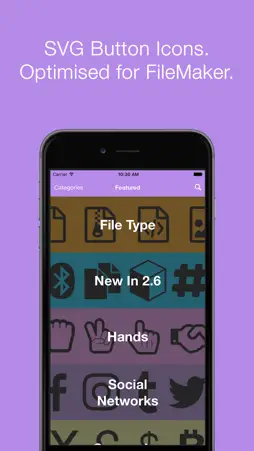
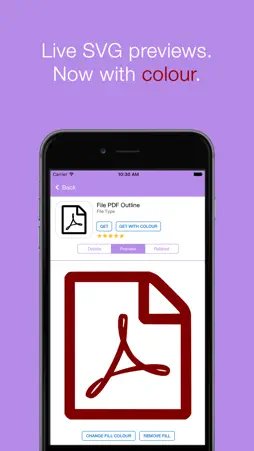
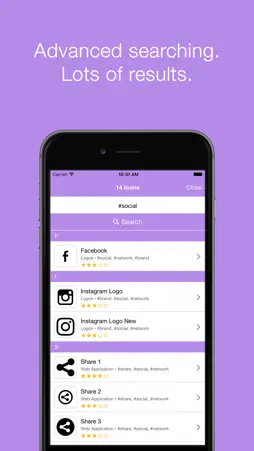
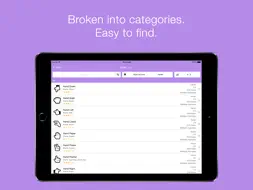
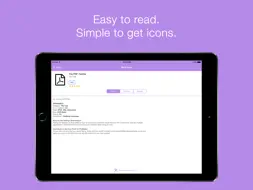
Transform your FileMaker Pro solutions with the Icon Pack for FileMaker! This is a free application that stores hundreds of FileMaker button icons right within your iOS device. Easily get an icon for your solution within minutes and save time by not having to browse the internet. You can preview all SVG icons from directly within the app. Just select the icon you need, choose a colour and get a preview of what the icon will look like in your FileMaker solution. This Icon Pack is not just a collection of any icons. These are SVG icons optimised to work with FileMaker, allowing developers to take control of their button icons. Every icon has been tested to make sure it works with FileMaker. What does 'Optimised for FileMaker' mean? This means that the colour has been removed from the icon. This lets FileMaker populate the icon with the colours you specify. By default, icons are black. FileMaker's Button Icon Settings: Take advantage of FileMaker’s ability to change a button’s icon colour as the user interacts with the button. This can be used to create great hover and pressed effects. Change the button icon colour settings in the Inspector Window > Appearance > Button: Icon. How to get an icon from the App: 1. Find an icon that fits your application. 2. Tap the ‘Get’ button and the icon will be attached to an email. 3. Enter your email address, tap send and the icon is on your desktop! The SVG Icon Pack has been available on Mac since October 2015 and due to it's popularity, the Icon Pack for iOS has been created! Visit our website to download the desktop SVG Icon Pack. You need FileMaker Pro or FileMaker Pro Advanced to run the application.
What's New
Version 2.6 2016-11-14
This is the biggest update ever! Bringing you the following: - Added 105 SVG Icons. ( Total to Date: 334 ) - New Categories: Directional, File Type, Gender, Ha... Technical Analysis
Package Overview Basic metadata
Bundle ID
com.samreis.IconPackforFileMaker Current Version 2.6
Minimum iOS 8.1
Package Size App Store Size
Package Metadata 0 / 0 version records
Detailed binary, privacy manifest, framework, and Info.plist results have not been indexed for this package yet. The verified App Store and archive metadata above remains available.
Known Version Records
0 version records with stored package metadata
Stored metadata does not guarantee a package is currently available to download.
| Details | Version / IDs | Version date | Action |
|---|