Preview








Description
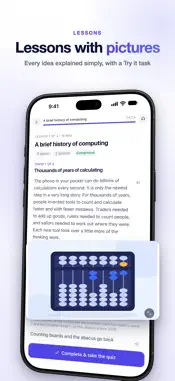
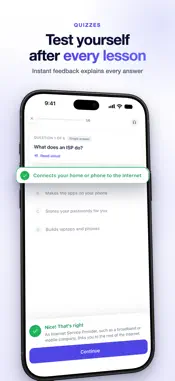
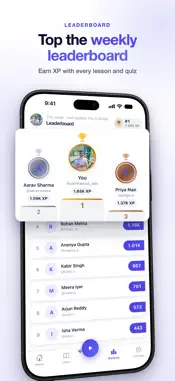
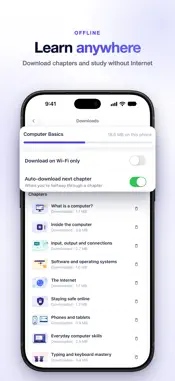
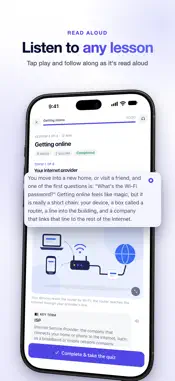
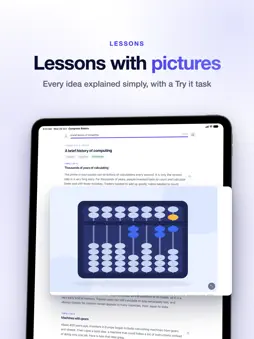
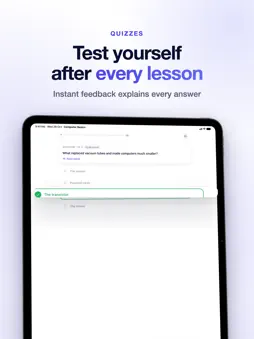
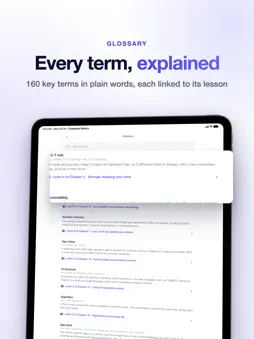
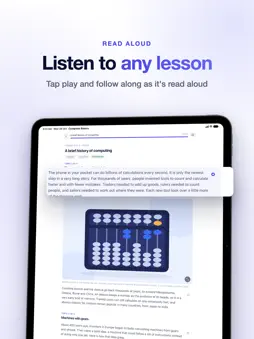
Learn computer basics from your first click to a certificate. Computer Basics is a complete beginner computer course on your phone: 17 chapters, 74 short illustrated lessons, a quiz after every lesson, a test after every chapter and a final exam. Made for complete beginners, students, job seekers, parents and older learners. Every new word is explained before it is used, and the examples work in every country. WHAT YOU WILL LEARN • What a computer is: hardware, software, CPU, RAM, ROM and storage • Input and output devices, ports and connections • Operating systems, files and folders on Windows 11, macOS, ChromeOS, Android and iPhone • How the Internet works, web browsers, email and messaging • Online safety: strong passwords, passkeys, two-step verification, phishing, scams and malware • Your phone and tablet as a full computer • Typing: touch typing drills from the home row to 30+ words per minute, plus keyboard shortcuts • Documents, spreadsheets and slides: Word, Excel, PowerPoint, Google Docs and Google Sheets • Searching well, judging sources, spotting misinformation and using AI assistants wisely • Video calls, cloud storage, sharing files, shopping and paying online safely • Photos, video, audio, copyright and Creative Commons • Care and troubleshooting: updates, backups, Wi-Fi and printer problems, buying a computer • Screen time, digital wellbeing and family safety • How computers think: binary, algorithms, your first program and how AI works • Digital skills for work: finding a job, writing a CV, workplace tools and online public services LEARN → PRACTICE → QUIZ Each lesson takes 6–8 minutes and ends with a "Try it" task and a short quiz. Every chapter ends with a test, so you know what you really remember. Pass the final exam to earn your Computer Basics certificate, with a QR code anyone can scan to check it is real. PRACTICE FOR EXAMS AND INTERVIEWS Hundreds of multiple-choice questions (MCQ) help you revise computer fundamentals for school and college computer classes, computer awareness exams and basic computer interview questions. The course covers the beginner skills that digital-literacy programmes such as ICDL, IC3 and Northstar expect. STUDY YOUR WAY • Listen mode reads lessons and quiz questions aloud • Daily streaks, XP and a weekly leaderboard • A daily study reminder at the time you choose • Dark mode for night study • App menus in English, Hindi, Bengali, Spanish, French, Portuguese, Russian, Arabic and Chinese (lessons are in English) • Sign in with Google or Apple and your progress syncs between Android and iPhone FREE AND PREMIUM Chapters 1–3 are free, no account needed. Sign in and watch one short video to unlock each of chapters 4–10 for good. Premium unlocks chapters 11–17, the final exam and the certificate, lets you download chapters for offline study and removes all ads. Choose monthly, yearly (with a 7-day free trial) or a one-time lifetime purchase. Start with the basics today and build real computer skills, one short lesson at a time. Premium is billed through your Apple Account. Subscriptions renew automatically unless cancelled at least 24 hours before the end of the current period; manage or cancel them in Settings → Apple Account → Subscriptions. Terms of Use: https://techstackatlas.com/terms Privacy Policy: https://techstackatlas.com/privacy Support: [email protected]
Technical Analysis
Package Overview Basic metadata
Bundle ID
com.techstackatlas.computerbasics Current Version 1.0.28
Minimum iOS 16.0
Package Size App Store Size
Package Metadata 0 / 0 version records
Detailed binary, privacy manifest, framework, and Info.plist results have not been indexed for this package yet. The verified App Store and archive metadata above remains available.
Developer Information
Known Version Records
0 version records with stored package metadata
Stored metadata does not guarantee a package is currently available to download.
| Details | Version / IDs | Version date | Action |
|---|