
Preview





Description
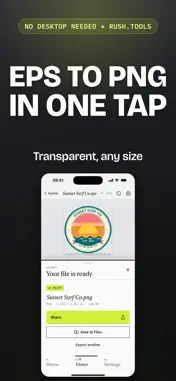
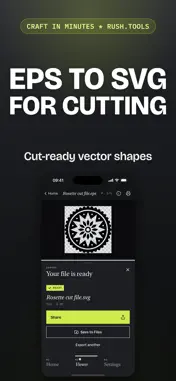
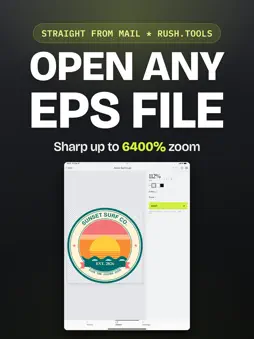
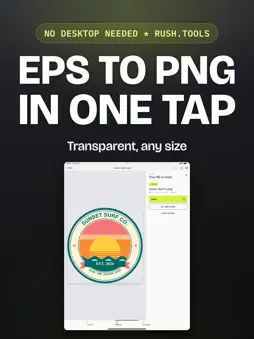
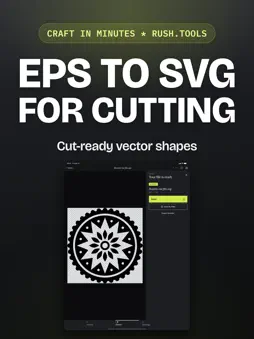
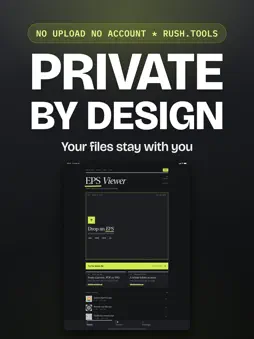
EPS Viewer opens EPS, EPSF, EPSI and PostScript files and draws the artwork exactly as it was made, right on your phone. See the shapes, colors and text as sharp at 6400% as they are at actual size, fully offline. WHAT IT OPENS • Every EPS, EPSF, EPSI and PostScript file, single page or multi page • Zoom to 6400% and the artwork stays sharp, redrawn from the real vector shapes every time • Every color: process plates and spot inks, listed by name • Every font the file uses, embedded or matched from your device • File details: size, PostScript level, the app that made it, dates and the bounding box CHANGE THE COLORS • Tap any color to change it everywhere it is used, in RGB or CMYK • A picture inside the file traces into vector shapes so its colors can change too TURN IT INTO WHAT YOU NEED These tools require an in-app purchase: • Export presets for exactly where the file is going: a cutting machine, a website, a social post, the print shop, stock sites, a laser cutter, or any design app • Save as PNG, SVG, PDF, EPS, EPS 10, AI, DXF, PSD, EMF, JPG, HEIC or TIFF, transparent or on a background, trimmed to the artwork • Turn a picture, PDF, SVG or AI file into a brand new EPS, traced into vector shapes or kept exactly as it is • Convert a whole folder of files at once • Print Open a file from the Files app, Mail, AirDrop or any app's Share Sheet, or tap "Open a file" inside EPS Viewer. No account, no login required. Works on iPhone, iPad and Mac. Every file stays on your device, nothing is uploaded. PostScript is a registered trademark of Adobe. EPS Viewer is an independent app and is not affiliated with, sponsored or endorsed by Adobe. Privacy Policy: https://rush.tools/privacy Terms of Use: https://rush.tools/terms
What's New
Version 1.1.4 2026-10-30
Minor refinements. (EPS Viewer, Reader, Converter) Technical Analysis
Package Overview Basic metadata
Bundle ID
tools.rush.epsviewer Current Version 1.1.4
Minimum iOS 15.0
Package Size App Store Size
Package Metadata 0 / 0 version records
Detailed binary, privacy manifest, framework, and Info.plist results have not been indexed for this package yet. The verified App Store and archive metadata above remains available.
Developer Information
Known Version Records
0 version records with stored package metadata
Stored metadata does not guarantee a package is currently available to download.
| Details | Version / IDs | Version date | Action |
|---|