
Preview






Description
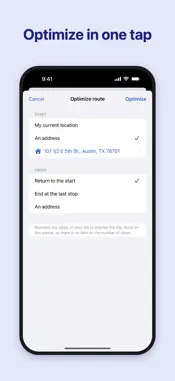
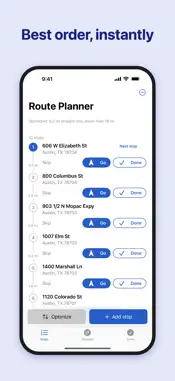
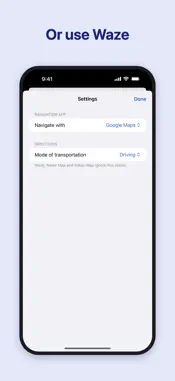
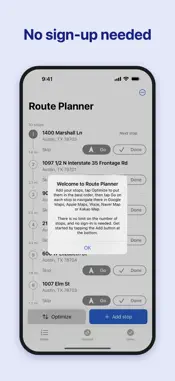
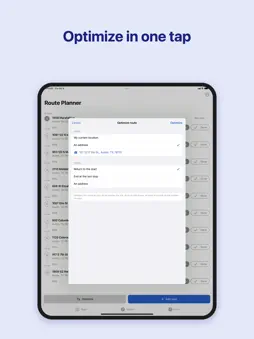
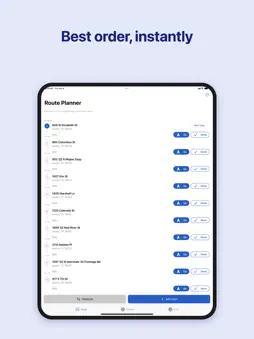
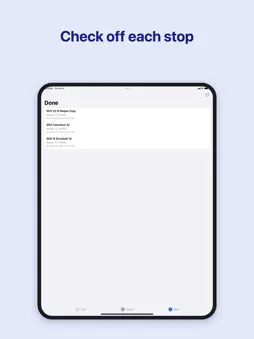
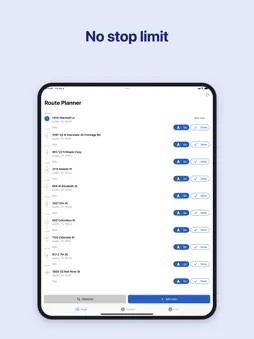
Plan multi-stop delivery, courier, and service routes, then drive them with Google Maps, Apple Maps or Waze — one stop at a time, with no limit on the number of stops. Route Planner is a checklist that sits beside your navigation app. Add your addresses, tap Optimize, and the stops are put in a sensible order right on your iPhone. Then tap Go on the next stop: Google Maps, Apple Maps or Waze opens in turn-by-turn navigation to just that address. When you arrive, mark it done and the next stop moves to the top. • No stop limit — 10 stops or 200, optimization runs on your iPhone • Works anywhere in the world, in your language • No subscription, no sign-in, no tokens • Google Maps, Apple Maps or Waze, your choice • Skip stops, add notes, undo mistakes • Save routes and reopen them any day • Start from your current location or any address; end back at the start, at the last stop, or at an address you choose How it works Route Planner orders stops by straight-line distance, which inside a city is very close to the shortest driving order, and it does so in a fraction of a second with nothing sent to a server. Your addresses stay on your iPhone. Made for • Delivery and courier drivers • Field service and repair technicians • Sales reps and canvassers • Real-estate showings, home health visits, errands with lots of stops Route Planner works with Google Maps, Apple Maps or Waze on your iPhone. It does not replace them — it keeps your list organized while they do the driving directions.
What's New
Version 2.1.0 2026-10-11
Behind-the-scenes changes to keep things running smoothly. Technical Analysis
Package Overview Basic metadata
Bundle ID
com.qvyshift.route Current Version 2.1.0
Minimum iOS 16.0
Package Size App Store Size
Package Metadata 0 / 0 version records
Detailed binary, privacy manifest, framework, and Info.plist results have not been indexed for this package yet. The verified App Store and archive metadata above remains available.
Known Version Records
0 version records with stored package metadata
Stored metadata does not guarantee a package is currently available to download.
| Details | Version / IDs | Version date | Action |
|---|