
Preview





Description
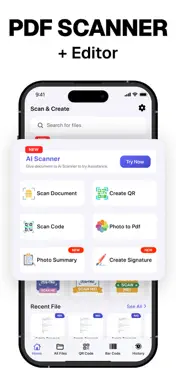
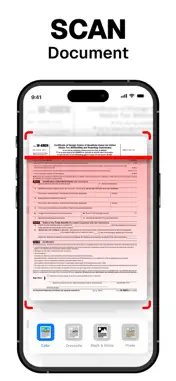
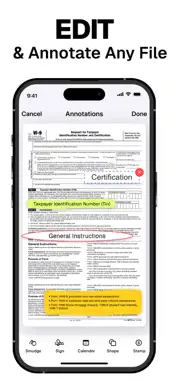
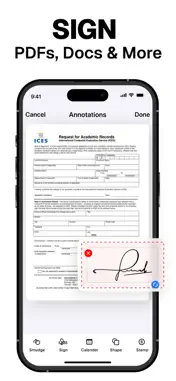
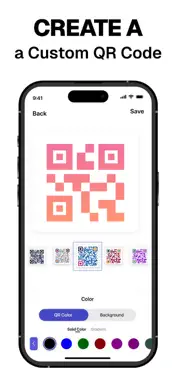
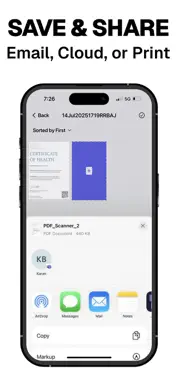
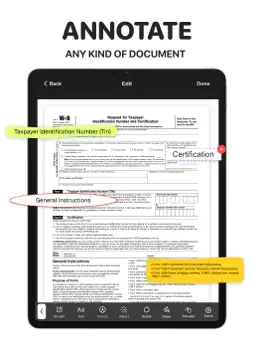
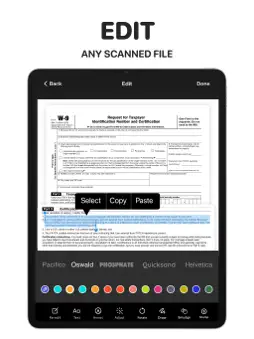
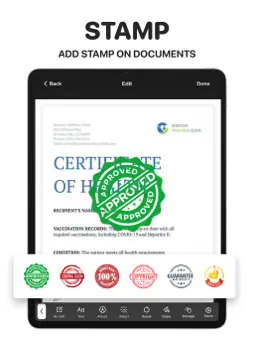
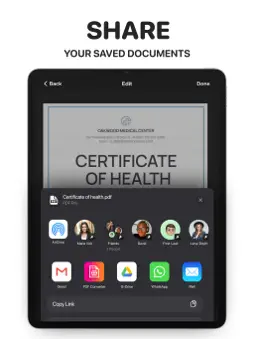
PDF Scanner our free scanner app to scan anything you need: Documents, Passport, Licence IDs, business documents, agreements, letters, invoices, order sheets, receipts Scanner and management documents with your iOS device!!! Scanner App is a handy scanner app that will turn your iOS device into a powerful mobile scanner. Easily scan, save and share any document in PDF or JPEG format. You can scan the documents and attach them together save and share as PDF and JPEG. Make folders cope and move any where in the app. Draw and import your signature makes easier for doing business deals. Annotate the documents, receipts, fax papers , books store your scans as multipage PDF or JPEG files. Share your scans via: - iMessage or email documents as PDF, JPEG, or PNG, or save to Camera Roll. - Export the scanned documents to Dropbox, Google Drive , or open in any 3rd party application E-sign & stamp documents right on your iOS device: - Add one or several signatures and stamps into the app - Add the e-sign to scanned pages in a moment Features PDF Scanner : – Scan to the highest quality PDF or JPEG – Save scans in high quality grayscale, black and white or color – Automatic border detection for documents makes them advanced scanner – Advanced processing and color correction – Choose between low, medium and HD scan quality – Multipage scanning abilty scan as many pages as you like – ID and Passport scanning modes UNLIMITED ACCESS SUBSCRIPTION • You can subscribe for unlimited access to all features and content offered for purchases within PDF Scanner • Subscriptions are billed monthly, weekly or annually at the rate selected depending on the subscription plan • Payment will be charged to your iTunes Account at confirmation of purchase • Subscription automatically renews at the cost of the chosen package unless auto-renew is turned off at least 24-hours before the end of the current period • Account will be charged for renewal within 24-hours prior to the end of the current period, and identify the cost of the renewal • Subscriptions may be managed by the user and auto-renewal may be turned off by going to the user's Account Settings after purchase • If eligible for free trial and you subscribe before your free trial ends, the rest of your free trial period will be forfeited as soon as your purchase is confirmed. Subscriptions will start immediately after free trial ends unless cancelled at least 24 hours prior to the end of the trial period. Terms and Conditions: https://drive.google.com/open?id=149BnpvS7Q7PRAzUuZY-FNNxK1OQCgEcW Privacy Policy: https://drive.google.com/open?id=1AiNdqbZ1KUKCPLfdldCGhBftKOuHtFgn Thank you so much for your love! Can’t wait to see what you create We are aways listening, email us for any support You Rock :)
What's New
Version 2.7.4 2026-08-01
- Performance Improvement Technical Analysis
Package Overview Basic metadata
Bundle ID
com.pro.scanner Current Version 2.7.4
Minimum iOS 13.0
Package Size App Store Size
Package Metadata 1 / 96 version records
Detailed binary, privacy manifest, framework, and Info.plist results have not been indexed for this package yet. The verified App Store and archive metadata above remains available.
Known Version Records
1 version record with stored package metadata • 96 known version records
Stored metadata does not guarantee a package is currently available to download.
| Details | Version / IDs | Version date | Action |
|---|---|---|---|
| Not archived | App Store ID: 836590857 | Unknown | Request Version |
| Not archived | App Store ID: 836294159 | Unknown | Request Version |
| Not archived | App Store ID: 835841127 | Unknown | Request Version |
| Not archived | App Store ID: 835779621 | Unknown | Request Version |
| Not archived | App Store ID: 835529905 | Unknown | Request Version |
| Not archived | App Store ID: 835424571 | Unknown | Request Version |
| Not archived | App Store ID: 835345841 | Unknown | Request Version |
| Not archived | App Store ID: 835087051 | Unknown | Request Version |
| Not archived | App Store ID: 835042458 | Unknown | Request Version |
| Not archived | App Store ID: 834965372 | Unknown | Request Version |
| Not archived | App Store ID: 834870849 | Unknown | Request Version |
| Not archived | App Store ID: 834764468 | Unknown | Request Version |
| Not archived | App Store ID: 834699611 | Unknown | Request Version |
| Not archived | App Store ID: 834576624 | Unknown | Request Version |
| Not archived | App Store ID: 834507954 | Unknown | Request Version |
| Not archived | App Store ID: 831719522 | Unknown | Request Version |