Preview


Description
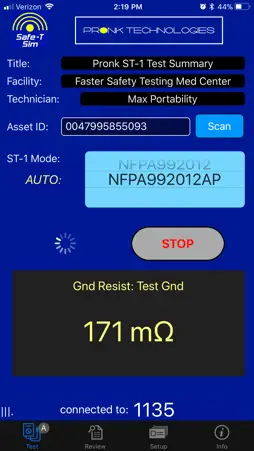
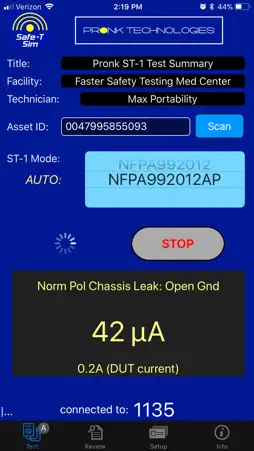
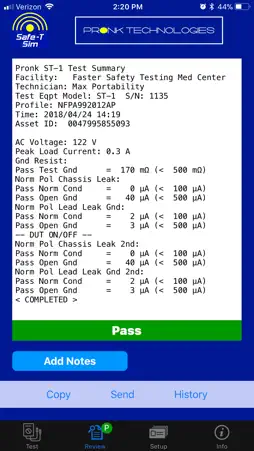
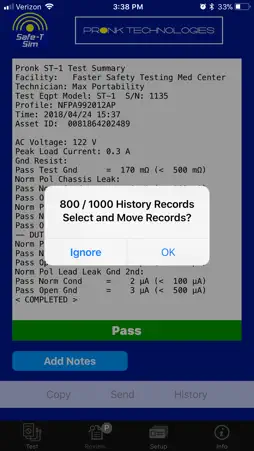
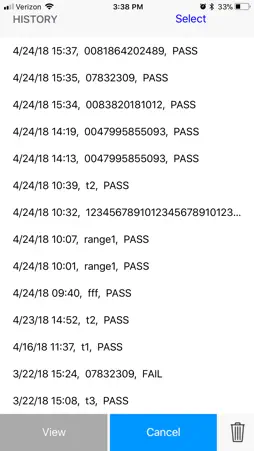
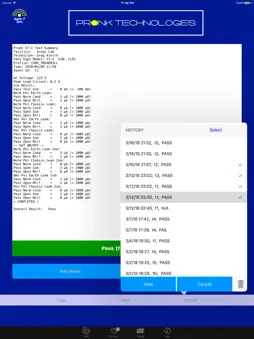
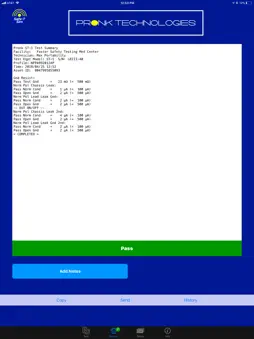
*This App is only for use with the ST-1 Safe-T Sim Electrical Safety Analyzer from Pronk Technologies Inc. ST-1 Safe-T Sim must be purchased separately. Safe-T Sim App allows you to automatically create electronic records of all your Electrical Safety Testing data. It replaces the need to hand write safety testing data, whether you are documenting pass / fail for each test or writing down results of each measurement. It is designed to serve not only small organizations that may not have an maintenance management database system, but also larger health systems and ISOs that may have a full-fledged CMMS database system already in place. *Real-time results and automated record storage via Bluetooth* Real-time streaming measurements are displayed directly on your iPhone or iPad during automated testing. In the App, users can scroll to the desired test profile, tap the App Start icon, and the App automatically builds your electronic test report while the Safe-T Sim runs the programmed tests. The finalized test report combines the details you need—e.g., Asset ID via App-integrated bar code scanner, Facility and Technician Name, Safe-T Sim model and Serial Number, as well as automatic time and date stamp of each record. *Stand Alone Database* The App is capable of storing up to 1000 electronic records that can be copied and pasted immediately into an open work order, emailed, attached as PDF file, or sent directly to a printer. Single test records can be moved individually, or hundreds of records can be merged into a single record / file and moved together into any program with a text field. Using split screen on your ipad, single or merged records can be copied and pasted or dragged and dropped directly into any program. Electronic Record Storage includes: • User defined Header information o Title o Facility Name o Technician Name • Asset ID scanned into electronic record via App-integrated bar code scanner • Time and date of testing performed • Which automated test profile was used • AC voltage and DUT peak Current Draw (requires Safe-T Sim Main Software 2.1) • Each individual test performed, by name • Test measured value • Test Limit • Pass / Fail overall and for each individual test performed Copyright © 2018 Pronk Technologies Inc. All rights reserved.
What's New
Version 1.1 2022-11-29
Screen layout improvements for iOS 16 Technical Analysis
Package Overview Package analysis available
Bundle ID
com.pronktech.SafeTApp Current Version 1.1
Minimum iOS 12.0
Package Size App Store Size
Package Metadata 0 / 2 version records
SQLite
org.cocoapods.SQLite v1.1.4iOS 12.0+1.44 MB
Developer Information
Known Version Records
0 version records with stored package metadata • 2 known version records
Stored metadata does not guarantee a package is currently available to download.
| Details | Version / IDs | Version date | Action |
|---|---|---|---|
| Not archived | App Store ID: 853565987 | Unknown | Request Version |
| Not archived | App Store ID: 841829809 | Unknown | Request Version |