Preview


Description
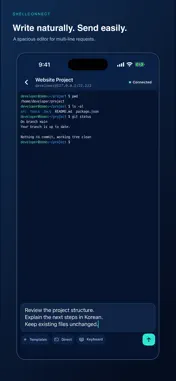
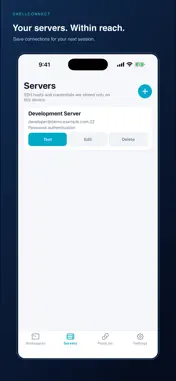
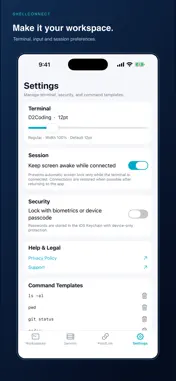
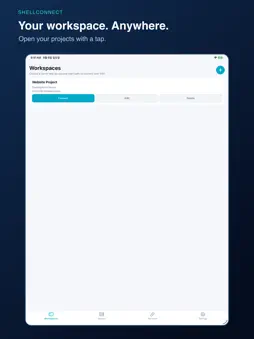
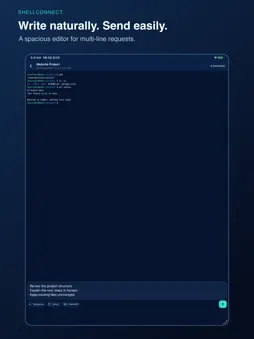
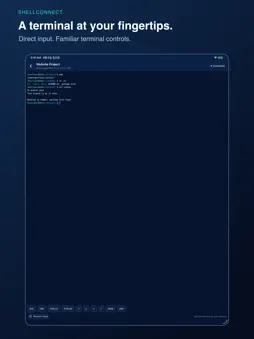
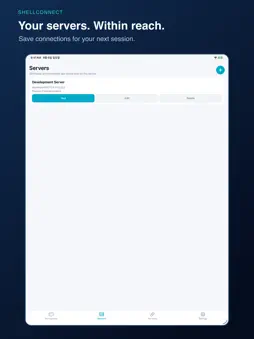
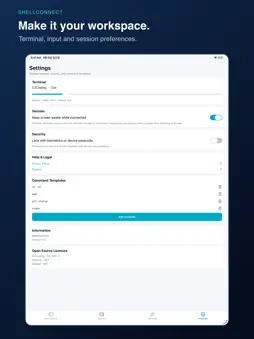
ShellConnect is a mobile SSH workspace designed to make server and AI CLI work comfortable on a smartphone. Instead of editing a long sentence at a terminal cursor, compose Korean or English requests and multi-line commands in a familiar text box, then send them at once. Switch to Direct mode whenever you need hands-on terminal control. Key features • Direct SSH connections to servers you choose • Request Input for long text and multi-line commands • Direct mode with Esc, Tab, Ctrl+C, Ctrl+D, and arrow keys • Workspaces that combine a server with an optional start path • One-line command templates for frequent tasks • D2Coding terminal font with clear Korean text • SSH host-key confirmation on first connection and change warnings • Device-only password protection in the iOS Keychain • Optional app lock with biometrics or device passcode • Optional prevention of automatic screen lock while connected ShellConnect has no account registration, ads, or analytics SDK. SSH credentials and terminal input or output do not pass through PointLink servers. They travel only between your device and the SSH server you select. Note: Mobile operating systems may suspend or terminate background apps. For long-running work, use screen or tmux on the remote server.
What's New
Version 1.0.4 2026-09-10
Improved terminal scrolling and display layout. Fixed content clipping when switching between Request Input and Direct modes. Improved keyboard handling and mat... Technical Analysis
Package Overview Basic metadata
Bundle ID
kr.co.pointlink.shellconnect Current Version 1.0.4
Minimum iOS 17.0
Package Size App Store Size
Package Metadata 0 / 0 version records
Detailed binary, privacy-manifest, framework, and Info.plist results have not been indexed for this package yet. The verified App Store and archive metadata above remains available.
Developer Information
Known Version Records
0 version records with stored package metadata
Stored metadata does not guarantee a package is currently available to download.
| Details | Version / IDs | Version date | Action |
|---|