Preview








Description
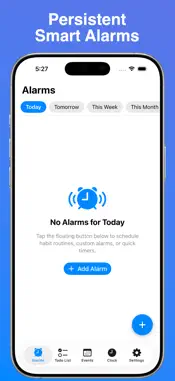
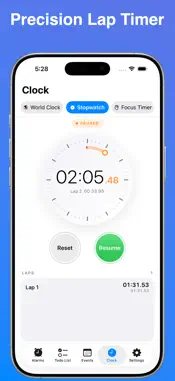
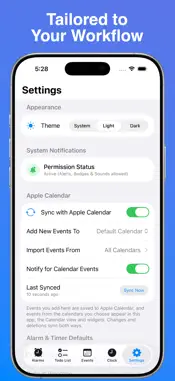
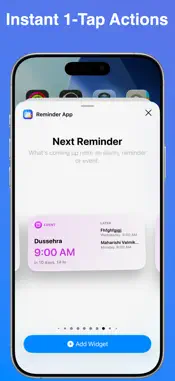
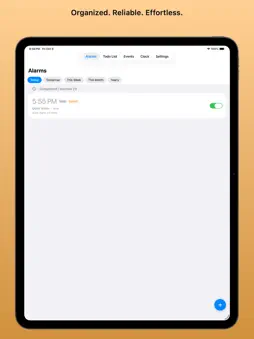
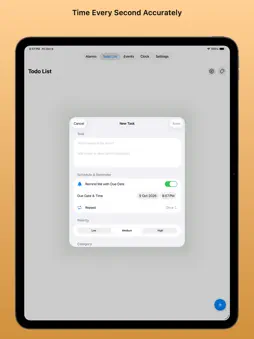
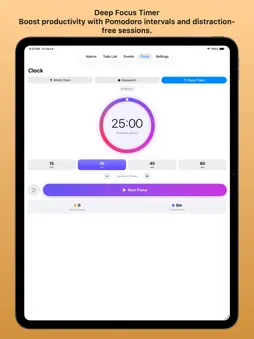
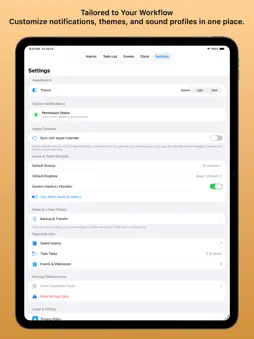
ReminderApp: Alarm & Habits is your all-in-one routine builder, time tracker, and daily productivity companion. Tired of juggling separate apps for wake-up alarms, daily habits, and to-do lists? ReminderApp brings essential time-management tools together into a clean, intuitive interface designed to keep your entire day synchronized and on track. Whether you need a rock-solid morning alarm, a repeating habit reminder, or a focused daily checklist, ReminderApp makes staying organized effortless—no accounts, no passwords, and no complicated setup. KEY FEATURES Alarms & Timers • Powered by AlarmKit: Leverages the latest iOS AlarmKit framework to deliver reliable, system-grade alerts that cut through Focus modes and ring right when you need them. • Flexible Schedules: Configure one-time alarms, custom weekly recurring schedules, or quick countdown timers in seconds. • Lock Screen & Active Alerts: View active countdowns and dismiss or snooze alarms directly from your Lock Screen. Habit Tracking & Daily Routines • Build Consistency: Set daily or weekly habits, mark them complete, and build lasting streaks. • Actionable Prompts: Receive timely nudges that make it simple to stick to your routines. • Visual Progress: Track your streak and completion history with clear, accessible indicators. Tasks & To-Dos • Smart Checklists: Organize your day's tasks, priorities, and deadlines with minimal taps. • Upcoming Timeline: Review what is due today and what is coming up next at a single glance. Lock Screen & Home Screen Widgets • Glanceable Information: Check active alarms, habit streaks, and upcoming tasks directly from your Home Screen or Lock Screen. • Interactive Controls: Check off completed habits directly from your widgets without opening the app. WHY REMINDERAPP? • Zero Account Friction: No sign-ups, subscriptions, or cloud setups required—it works the moment you install it. • Accessible for All Ages: Designed with a high-contrast, uncluttered layout that is easy to navigate for everyone, including seniors and busy professionals. • Privacy-First & Local: Your schedules, habits, and tasks stay securely on your personal device. • Fast & Lightweight: Native iOS architecture ensures smooth performance and minimal battery usage. Take control of your schedule and build lasting habits with ReminderApp: Alarm & Habits today!
Technical Analysis
Package Overview Basic metadata
Bundle ID
com.reminderapp.app.sli Current Version 1.0.1
Minimum iOS 26.0
Package Size App Store Size
Package Metadata 0 / 0 version records
Detailed binary, privacy manifest, framework, and Info.plist results have not been indexed for this package yet. The verified App Store and archive metadata above remains available.
Developer Information
Known Version Records
0 version records with stored package metadata
Stored metadata does not guarantee a package is currently available to download.
| Details | Version / IDs | Version date | Action |
|---|