
Preview

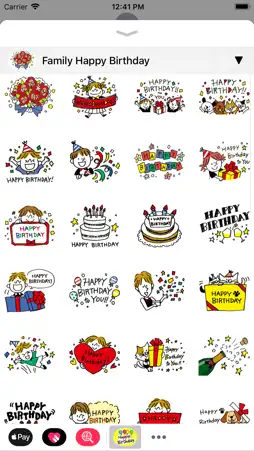




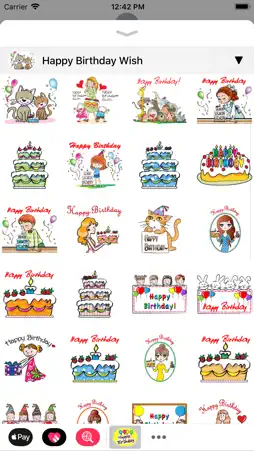

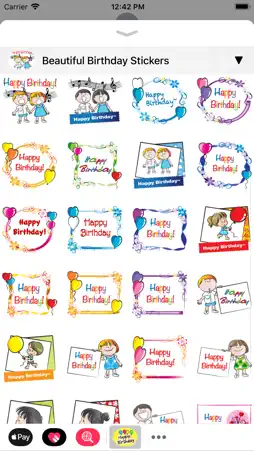

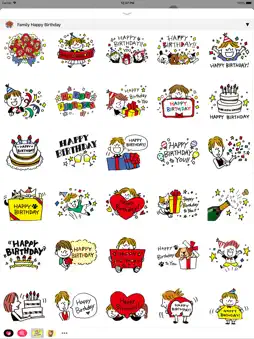
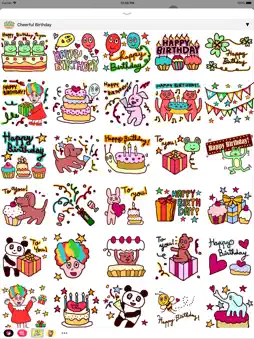


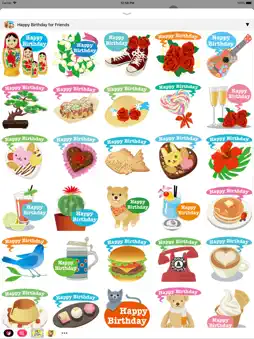
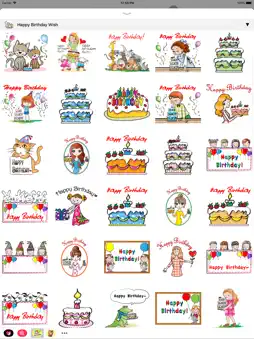


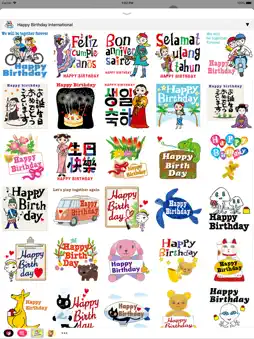
Description
————————————————————————— Happy Birthday Stickers for iMessage! STICKERS PACKS INCLUDE: • Happy Birthday Celebration • Family Happy Birthday • Happy Birthday for Lovers • Happy Birthday for Friends • Cheerful Birthday • Happy Birthday Wish • Happy Birthday for Girl • Beautiful Birthday Stickers • Birthday Stickers for Kids • Happy Birthday International HOW TO USE: • SEND dynamic and animated stickers in chat • PLACE stickers anywhere on your iMessages • CUSTOMIZE your photos with stickers in chat • LAYER stickers over each other, in chat, and on photos • SCALE & ROTATE stickers HOW TO FIND YOUR STICKERS: • Access iMessage apps— Enter a contact to message, then tap the App Store icon beside the chat field to see your most recently used iMessage app. • Find new stickers—First tap the App Store icon, then tap the 4-ovals icon in the lower left to bring up the app drawer. Then, tap the + icon to access the Store. • If you are not seeing Stickers that you have purchased, you may need to change your settings. Tap the App Store icon, then tap the 4-ovals icon in the lower left to bring up the app drawer. Then click the + symbol to open the store, and select the Manage button top right. Make sure the app you are looking for is turned on. • Use stickers in chat—Tap to send, or touch and hold to put stickers on top of a bubble, other stickers, photos, and videos. • Apple Watch (iOS 3), iPhone & iPad users (iOS 10)—Transform your chat with animated stickers! Earlier iOS versions and other platforms will see static stickers in chat. CONTACTS: [email protected]
What's New
Version 1.4 2025-07-15
- Long Time Update - UI Improvements - Bug Fixes Technical Analysis
Package Overview Package analysis available
Bundle ID
Collection.SP04 Current Version 1.4
Minimum iOS 13.0
Package Size App Store Size
Package Metadata 1 / 4 version records
JGProgressHUD
org.cocoapods.JGProgressHUD v2.0.3iOS 13.0+206.45 KB
SwiftyStoreKit
org.cocoapods.SwiftyStoreKit v0.13.3iOS 13.0+437.36 KB
SwiftyUserDefaults
org.cocoapods.SwiftyUserDefaults v3.0.1iOS 13.0+188.72 KB
3.5 / 5.0 (8 ratings)
Known Version Records
1 version record with stored package metadata • 4 known version records
Stored metadata does not guarantee a package is currently available to download.
| Details | Version / IDs | Version date | Action |
|---|---|---|---|
 53.1 MB | v1.4 App Store ID: 876423759Build: 1 | 2025-07-15 19:21:00 | Get Version |
| Not archived | App Store ID: 863109158 | Unknown | Request Version |
| Not archived | App Store ID: 851005904 | Unknown | Request Version |
| Not archived | App Store ID: 841920950 | Unknown | Request Version |