
Preview






Description
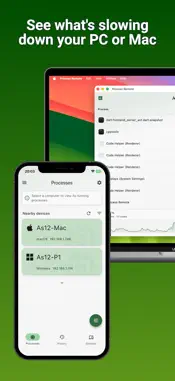
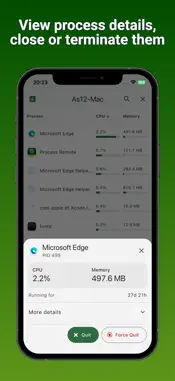
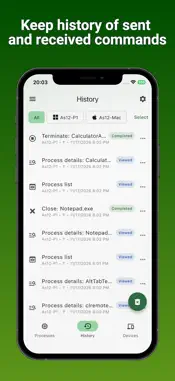
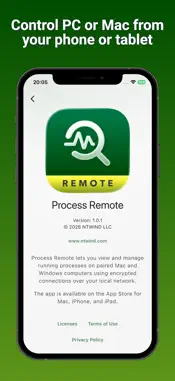
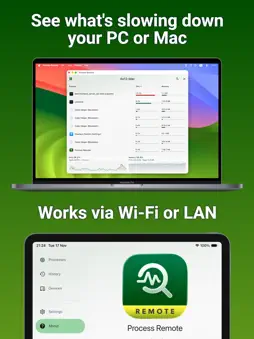
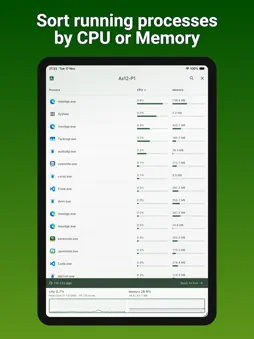
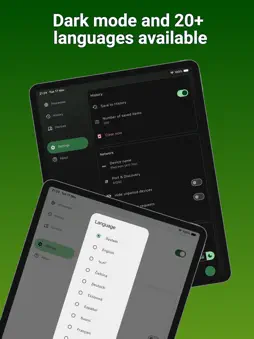
What's slowing down your computer? Open Process Remote on your iPhone or iPad to see which apps are using the most CPU or memory on a paired Mac or Windows PC. Check live performance, look up a process, or close a stuck app from across the room. See what's running Find an app by name or sort running processes by CPU or memory usage. Open the system charts to see how busy the whole computer is and how its RAM usage changes while you watch. Get the details you need Tap a process to see its usage and process ID (PID). If you're tracking down an unfamiliar program, check the executable path or command line when the computer makes them available. Handle an app that won't close Use Quit on Mac or Close on Windows to ask an eligible app to exit. If it stays stuck, choose Force Quit on Mac or Terminate on Windows and confirm. A forced stop can discard unsaved work. Check History to see the result. Set up your local task manager Install Process Remote on your iPhone or iPad and on the computer you want to monitor. Connect both to the same local network and approve pairing on the computer. Each computer controls which devices can view process information and which can request actions. Connections are encrypted and stay on your local network. No account or cloud relay is required.
Technical Analysis
Package Overview Basic metadata
Bundle ID
com.ntwind.remote.process Current Version 1.0.1
Minimum iOS 15.0
Package Size App Store Size
Package Metadata 0 / 0 version records
Detailed binary, privacy manifest, framework, and Info.plist results have not been indexed for this package yet. The verified App Store and archive metadata above remains available.
Developer Information
Known Version Records
0 version records with stored package metadata
Stored metadata does not guarantee a package is currently available to download.
| Details | Version / IDs | Version date | Action |
|---|