
Preview


Description
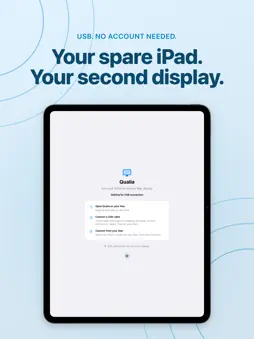
Turn your iPad into a second screen for your Mac with Qualia Display. Connect over USB to make more room for your work. Completely free. All features included. No account required. • Extend your Mac desktop to your iPad • View in full screen. Tap to open controls, which hide automatically • Set the codec, bitrate, and frame rate for each iPad • Adjust how the picture fits and rotates What you need • An iPad running iPadOS 18 or later • An Apple silicon Mac running macOS 14 or later • Qualia for Mac and a USB cable that supports data transfer Download Qualia for Mac: https://qualia.qleap.jp On first connection, trust your Mac on the iPad and allow screen recording on the Mac. Picture quality and frame rate depend on your devices, Mac performance, and settings.
What's New
Version 0.1.2 2026-10-15
Added Japanese and English support. Connection guidance, settings, and other app text now follow your device language. Improved readability of the USB connectio...Added Japanese and English support. Connection guidance, settings, and other app text now follow your device language. Improved readability of the USB connection and no-account message. Technical Analysis
Package Overview Basic metadata
Bundle ID
com.devonly.qualia.ipad Current Version 0.1.2
Minimum iOS 18.0
Package Size App Store Size
Package Metadata 0 / 0 version records
Detailed binary, privacy manifest, framework, and Info.plist results have not been indexed for this package yet. The verified App Store and archive metadata above remains available.
Developer Information
Known Version Records
0 version records with stored package metadata
Stored metadata does not guarantee a package is currently available to download.
| Details | Version / IDs | Version date | Action |
|---|