
Preview


Description
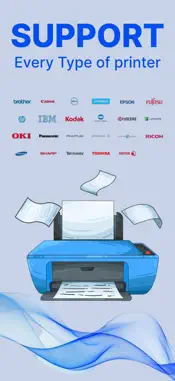
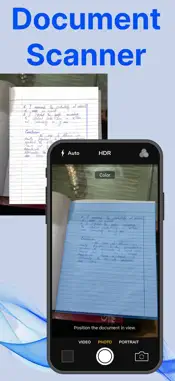
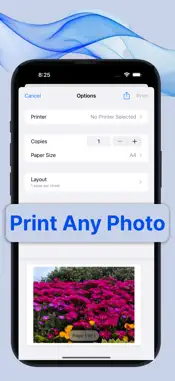
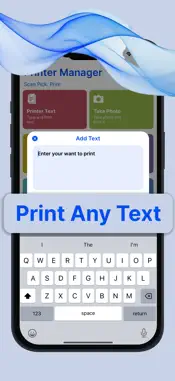
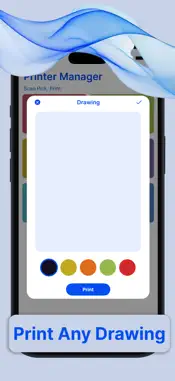
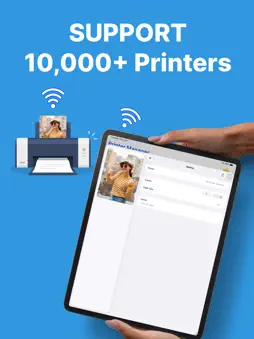
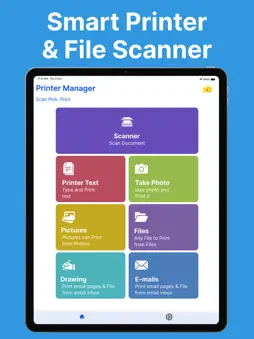
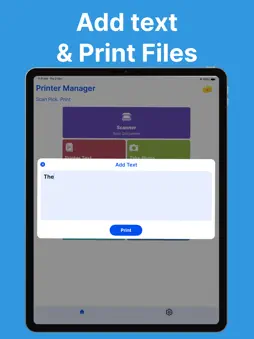
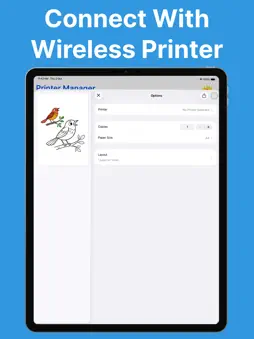
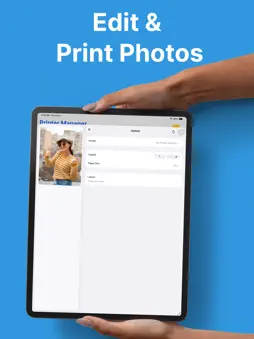
Printer App: The Ultimate Wireless Printing Solution In today’s fast-paced, mobile-driven world, convenience and accessibility are paramount. With the rise of smartphones, tablets, and other mobile devices, the need for seamless integration between these devices and traditional technologies like printers has become more important than ever. The Printer App is a game-changer in this regard. It is a robust, easy-to-use application designed to wirelessly connect users to any compatible printer, enabling them to print anything, anytime, from their mobile device without the need for cables or complicated setups. A Seamless Experience The primary goal of the Printer App is to eliminate the friction that often comes with traditional printing. In the past, users needed to deal with clunky drivers, complex configurations, and cables. This app streamlines the entire process, ensuring that users can print documents, photos, and even web pages with just a few taps, making the experience feel effortless. Wireless Connectivity The core feature of the Printer App is its ability to connect wirelessly to any printer that supports Wi-Fi, Bluetooth, or other wireless printing protocols. Whether you're at home, in the office, or on the go, the app makes it easy to find and connect to any nearby printer. Whether you have an inkjet, laser, or photo printer, the app ensures compatibility with most modern printer models, regardless of the manufacturer. The app automatically detects available printers on the same Wi-Fi network, eliminating the need to manually search for or configure devices. It can also pair with printers using Bluetooth, making it an excellent solution for users who want to print directly from their phones without the need for a Wi-Fi connection. Easy-to-Use Interface The Printer App is designed with user experience in mind. Its interface is clean, intuitive, and highly responsive, making it easy for even the least tech-savvy individuals to navigate. Upon opening the app, users are greeted with a simple dashboard that displays options to print documents, images, or even web pages directly from their browser. To print a document, users simply select the file they wish to print, choose the printer from a list of available devices, and hit the print button. The app even allows users to adjust print settings, such as paper size, print quality, and the number of copies, all from within the app. If you’re printing a photo, the app offers built-in options to crop, rotate, or enhance images before printing. Versatility: Print from Anywhere One of the standout features of the Printer App is its ability to print from virtually any location. As long as your mobile device and the printer are connected to the same wireless network, you can print documents from the comfort of your home or office. Even if you're on the go, the app allows you to send print jobs to remote printers via cloud printing services, meaning you can print from a cafe, library, or even while traveling. The app supports printing from a variety of sources, including documents stored on your mobile device, cloud storage platforms like Google Drive and Dropbox, or even email attachments. For those who frequently need to print from web pages, the app also includes a web browser integration that lets users print directly from websites without having to download or transfer files. https://farooqdevs.wordpress.com/2024/06/22/term-of-use/ https://farooqdevs.wordpress.com/2024/06/22/privacy-policy/
What's New
Version 2.2 2025-12-22
Bug Fixed. Technical Analysis
Package Overview Basic metadata
Bundle ID
com.smart.printer.scanner Current Version 2.2
Minimum iOS 15.0
Package Size App Store Size
Package Metadata 1 / 8 version records
Detailed binary, privacy manifest, framework, and Info.plist results have not been indexed for this package yet. The verified App Store and archive metadata above remains available.
Developer Information
Known Version Records
1 version record with stored package metadata • 8 known version records
Stored metadata does not guarantee a package is currently available to download.
| Details | Version / IDs | Version date | Action |
|---|---|---|---|
 2.38 MB | v2.2 App Store ID: 879618296Build: 1 | 2025-11-11 08:22:40 | Get Version |
| Not archived | App Store ID: 879091838 | Unknown | Request Version |
| Not archived | App Store ID: 878888961 | Unknown | Request Version |
| Not archived | App Store ID: 878681721 | Unknown | Request Version |
| Not archived | App Store ID: 876265570 | Unknown | Request Version |
| Not archived | App Store ID: 875170419 | Unknown | Request Version |
| Not archived | App Store ID: 874428794 | Unknown | Request Version |
| Not archived | App Store ID: 869543330 | Unknown | Request Version |