Preview





Description
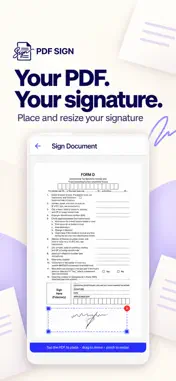
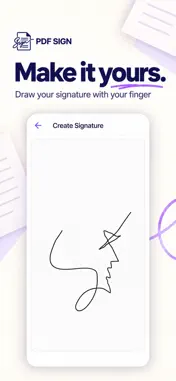
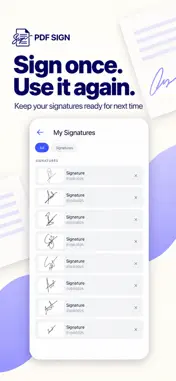
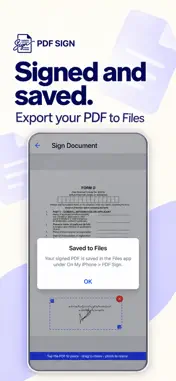
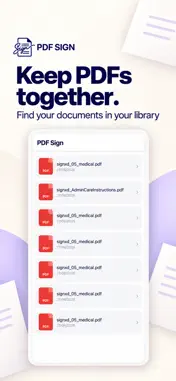
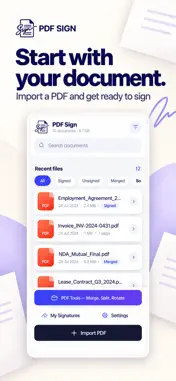
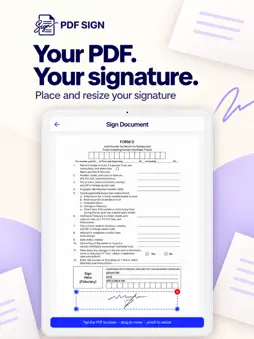
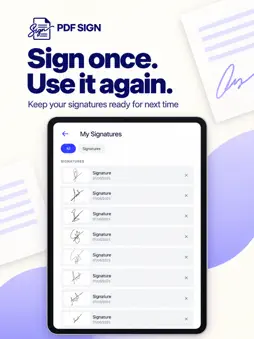
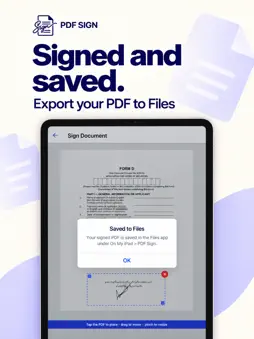
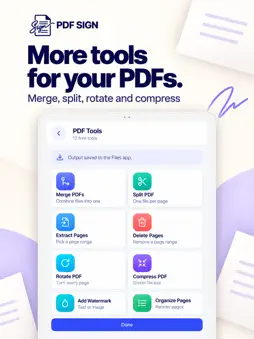
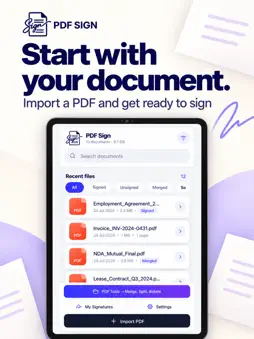
Sign PDFs in seconds — right on your iPhone, fully offline. PDF Sign is the fast, private way to sign and fill any PDF document. Draw your signature once, drop it on the page, fill out form fields, and share the finished file — no account, no subscription, no watermark. This is it. Your files never leave your device. Everything happens on your iPhone, so your contracts, agreements, and personal documents stay 100% private. WHY YOU'LL LOVE IT • Sign anything — draw a signature with your finger and place it anywhere on the PDF • Fill out forms — add text, dates, and checkmarks to any document • Works fully offline — no internet, no login, no cloud required • No watermarks — ever • Private by design — documents are processed only on your device • Save your signature — reuse it instantly on future documents • Share instantly — export the signed PDF to email, Files, Messages, and more • Clean, simple design — sign a document in under a minute PERFECT FOR • Contracts and agreements • Consent and permission forms • Tax and government paperwork • Rental and lease documents • NDAs, waivers, and applications • Anyone who needs to sign a document on the go HOW IT WORKS 1. Import a PDF from Files, email, or any app 2. Draw your signature (or reuse a saved one) 3. Tap to place it, then fill in any text fields 4. Save and share your signed PDF No printing. No scanning. No desktop needed. Download PDF Sign today and turn your iPhone into the simplest e-signature tool you own , offline, and completely private.
What's New
Version 1.6 2026-10-12
Updated our App Store name and subtitle to make PDF signing and signature creation easier to find. Improved ad display reliability and native ad layouts. Fixed...Updated our App Store name and subtitle to make PDF signing and signature creation easier to find. Improved ad display reliability and native ad layouts. Fixed cases where failed ads could interrupt the document workflow. Technical Analysis
Package Overview Basic metadata
Bundle ID
com.app.pdfsign Current Version 1.6
Minimum iOS 15.5
Package Size App Store Size
Package Metadata 0 / 0 version records
Detailed binary, privacy manifest, framework, and Info.plist results have not been indexed for this package yet. The verified App Store and archive metadata above remains available.
Developer Information
Known Version Records
0 version records with stored package metadata
Stored metadata does not guarantee a package is currently available to download.
| Details | Version / IDs | Version date | Action |
|---|