Preview




Description
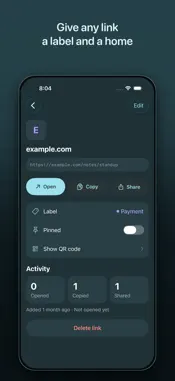
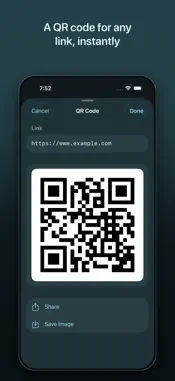
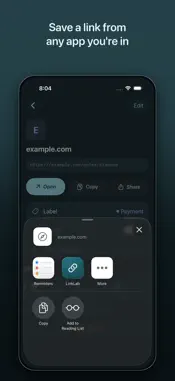
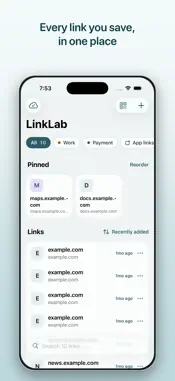
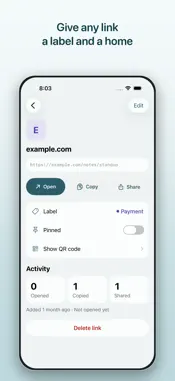
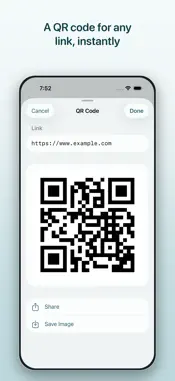
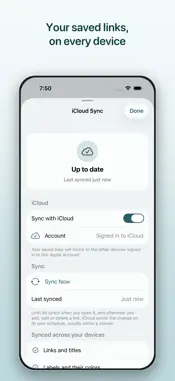
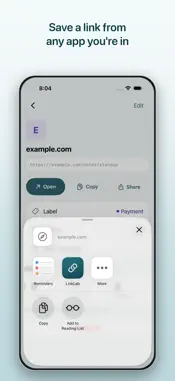
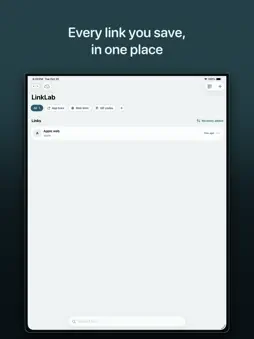
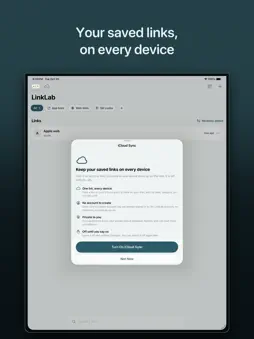
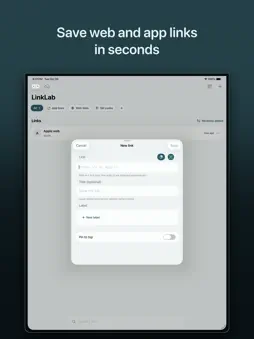
Links end up everywhere. A page you meant to read, sitting in a browser tab. A booking confirmation buried in an email. A recipe someone sent you in a group chat. A form your bank told you to fill in later. They are scattered across a dozen apps, and by the time you want one back, you can't remember which app it was in. LinkLab is one place for all of them. Share a link into LinkLab from whatever app you're in, give it a name you'll actually recognise, and it's there when you need it — on your device, offline, in a list you can search. SAVE A LINK FROM ANY APP, IN TWO TAPS Hit Share in Safari, Mail, Messages, or anywhere else a link turns up, pick LinkLab, and the save sheet opens right there. Add a label, drop it in a category, done — no app switching, no copying and pasting a URL into a note you'll lose. FIND IT AGAIN IN SECONDS Everything you save lands in one list, newest first, searchable by name or by URL. Group links into categories you name yourself — Recipes, Work, To Read, Bills, whatever fits — and filter the list down to one of them with a tap. Save the same link twice and LinkLab updates the entry you already have instead of piling up duplicates. A QR CODE FOR ANY LINK Generate a QR code for any saved link with one tap. Share it, or save it to Photos. It's the quickest way to get a link onto someone else's phone — the check-in page, the shared album, the menu — without spelling out a URL or making them type anything. OPEN ANYTHING, NOT JUST WEB PAGES Tap a saved link and LinkLab hands it to whatever app on your device can open it — a web page to your browser, an address to Maps, an email to Mail. It handles custom app links too, the myapp:// kind that Safari won't touch, which makes it a genuinely useful scratchpad if you build or test apps for a living. If nothing on the device can open a link, LinkLab says so plainly instead of doing nothing. RUNS ENTIRELY ON YOUR DEVICE LinkLab has no network code at all. No server, no account, no sign-up, no analytics, no third-party SDK — nothing your links could be sent to, because there is nowhere to send them. QR codes are generated on your device. Photos access is add-only and requested only at the moment you choose to save an image. For anyone whose links are scattered across too many apps, and for the developers and testers who have been using it as a deep link scratchpad since day one.
What's New
Version 1.3.0 2026-10-21
LinkLab 1.3 is a fresh redesign, with new ways to save, find and organise your links. • A new home screen: your labels as colored chips, pinned links up top in... Technical Analysis
Package Overview Basic metadata
Bundle ID
com.mi.ios.linklab Current Version 1.3.0
Minimum iOS 18.0
Package Size App Store Size
Package Metadata 0 / 0 version records
Detailed binary, privacy manifest, framework, and Info.plist results have not been indexed for this package yet. The verified App Store and archive metadata above remains available.
Developer Information
Known Version Records
0 version records with stored package metadata
Stored metadata does not guarantee a package is currently available to download.
| Details | Version / IDs | Version date | Action |
|---|