
Preview


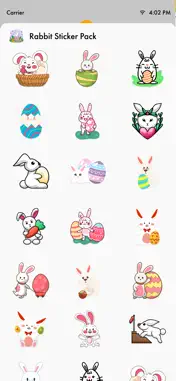

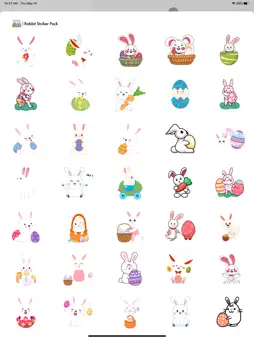

Description
Downloads Rabbit Stickers Pack for iMessage How to Access Stickers in iMessage: 1. Open messages app 2. Compose a new message to anyone 2. Tap App Store icon in top left corner 3. Tap four circles icon in bottom left corner 4. Sticker Pack icon should appear in your iMessage App Drawer 5. If Stickers don’t appear, tap “Store" icon and then tap “Manage" tab to add sticker pack to iMessage Sticker Drawer
What's New
Version 1.2 2025-02-21
- This update includes the addition of stickers. Technical Analysis
Package Overview Basic metadata
Bundle ID
com.goldeneagle.rabbitstickerpack Current Version 1.2
Minimum iOS 15.6
Package Size App Store Size
Package Metadata 0 / 3 version records
Detailed binary, privacy manifest, framework, and Info.plist results have not been indexed for this package yet. The verified App Store and archive metadata above remains available.
Known Version Records
0 version records with stored package metadata • 3 known version records
Stored metadata does not guarantee a package is currently available to download.
| Details | Version / IDs | Version date | Action |
|---|---|---|---|
| Not archived | App Store ID: 872689320 | Unknown | Paid / Arcade |
| Not archived | App Store ID: 845842064 | Unknown | Paid / Arcade |
| Not archived | App Store ID: 841886569 | Unknown | Paid / Arcade |