
Preview





Description
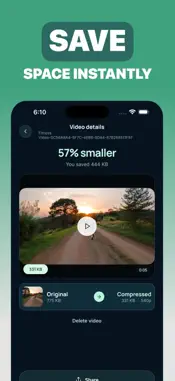
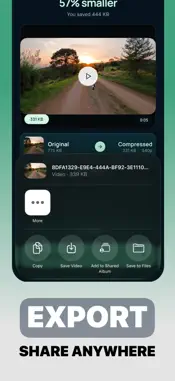
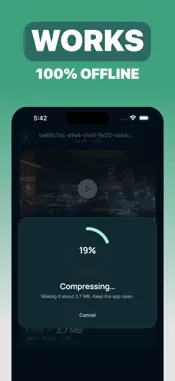
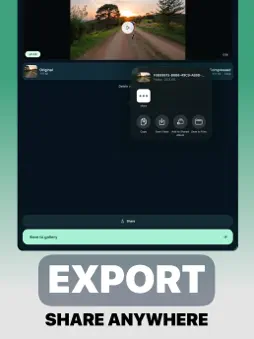
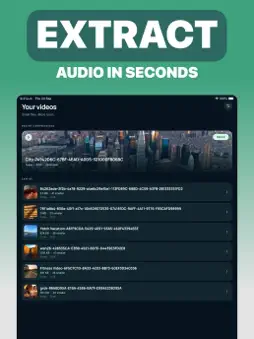
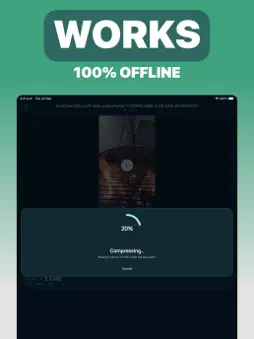
Video too big to send? Shrink it in a few taps. Pick the size you want, keep the quality you need, and free up space on your phone. Everything happens on your device. WHY YOU'LL LIKE IT Send what you shot, not a smaller version of it. Long clips, 4K footage and screen recordings get small enough for email, messages and chat apps. Get your storage back. Compress the big videos filling up your phone, save the smaller copy and keep your camera roll lean. See the size before you commit. The app estimates the final file size as you change settings, so there's no guessing and no redoing. Your videos stay yours. Nothing is uploaded, and you don't need an account. Compression runs entirely on your phone, even offline. WHAT YOU CAN DO • Three simple presets: Smaller, Balanced or Sharper • Choose the resolution, from full quality down to small • Lower the frame rate to cut the size even more • Keep the audio, compress it, or remove it completely • Trim the start and end before you compress • Preview your clip while you adjust • Import from Photos or Files • Works with 4K and HDR video • Save the result to Photos or share it right away • Find every compressed video in your library, with the space it saved HOW IT WORKS 1. Pick a video 2. Trim it and choose a preset 3. Check the estimated size 4. Tap Compress, then save or share That's it. No settings you have to understand first. FREE AND PREMIUM Compress one video a day for free, with every feature included. Go Premium to compress without limits. Choose a weekly plan, or pay once for lifetime access. Get Video Compressor and make room for what you shoot next. — Payment is charged to your Apple ID account when you confirm the purchase. Subscriptions renew automatically unless you cancel at least 24 hours before the end of the current period. You can manage or cancel your subscription in your App Store account settings. Privacy Policy: https://mobilecraft.io/privacy/videocompressor Terms of Use: https://mobilecraft.io/terms
Technical Analysis
Package Overview Basic metadata
Bundle ID
io.mobilecraft.videocompressor.videoCompressor Current Version 1.0
Minimum iOS 18.2
Package Size App Store Size
Package Metadata 0 / 0 version records
Detailed binary, privacy manifest, framework, and Info.plist results have not been indexed for this package yet. The verified App Store and archive metadata above remains available.
Developer Information
Known Version Records
0 version records with stored package metadata
Stored metadata does not guarantee a package is currently available to download.
| Details | Version / IDs | Version date | Action |
|---|