Preview





Description
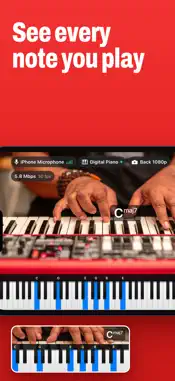
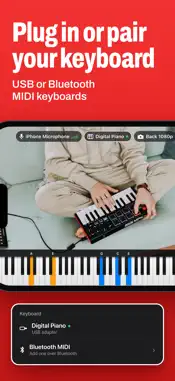
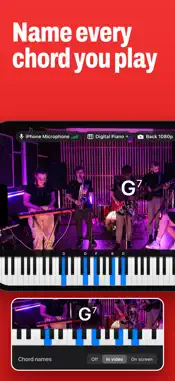
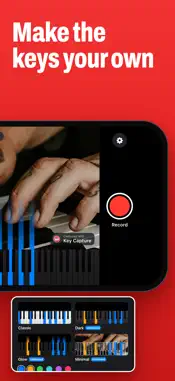
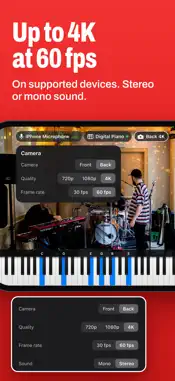
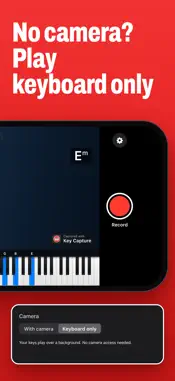
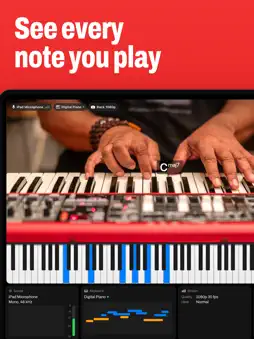
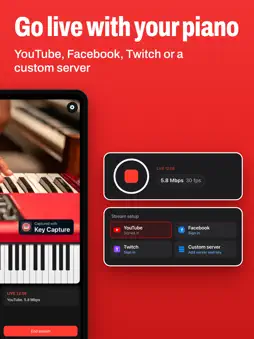
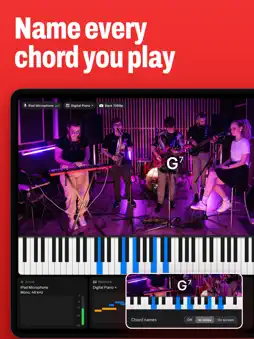
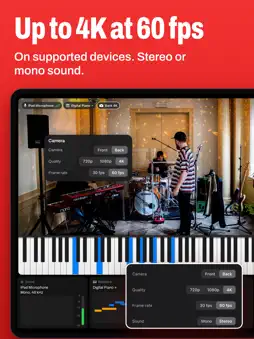
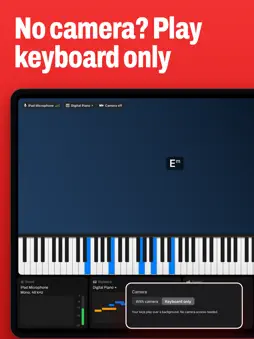
SEE EVERY NOTE YOU PLAY. Key Capture films you with your iPhone or iPad camera and adds a live 88-key piano overlay that lights up each key as you press it. Connect your MIDI keyboard or digital piano, then go live or record. No computer, OBS or capture card needed. WHO IT'S FOR - Pianists and keyboard players sharing performances - Piano teachers recording lessons so students can see which keys are played - Creators making piano videos with a visible keyboard LIVE STREAMING Sign in with YouTube or Facebook and go live from the app. Or enter an RTMP server URL and stream key to stream to another platform or your own server. RECORDING Record your playing with the overlay and save the video to your Photos library, ready to edit and share. MIDI CONNECTION Connect a MIDI keyboard or digital piano over Bluetooth MIDI or with a USB adapter. The keys you play appear on the 88-key overlay along the bottom of the video. VIDEO SETTINGS Choose 720p, 1080p or 4K at 30 or 60 fps, depending on your device. On-screen stats show frame rate, connection status, recording time and viewer count. Key Capture works in landscape. PRICING Key Capture is free to download. Free streams and recordings run up to 5 minutes each. The Unlimited subscription, monthly or yearly, removes the time limit. Payment is charged to your Apple Account. Subscriptions renew automatically unless canceled at least 24 hours before the end of the current period. Manage or cancel in your Apple Account settings. SUPPORT Questions? Email [email protected] Privacy Policy: https://keycapture.app/privacy Terms of Use: https://keycapture.app/terms
What's New
Version 3.3 2026-11-09
New setup with live sound checks and a quick iPhone studio guide. Improved layouts for larger text, camera permission recovery, and sound meters. Technical Analysis
Package Overview Basic metadata
Bundle ID
com.mobiletechmedia.keycapture Current Version 3.3
Minimum iOS 17.0
Package Size App Store Size
Package Metadata 1 / 1 version records
Detailed binary, privacy manifest, framework, and Info.plist results have not been indexed for this package yet. The verified App Store and archive metadata above remains available.
Known Version Records
1 version record with stored package metadata
Stored metadata does not guarantee a package is currently available to download.
| Details | Version / IDs | Version date | Action |
|---|---|---|---|
| 20.98 MB | v3.2 App Store ID: 881599822Build: 3.2 | 2026-03-28 05:12:14 | Get Version |