
Preview



Description
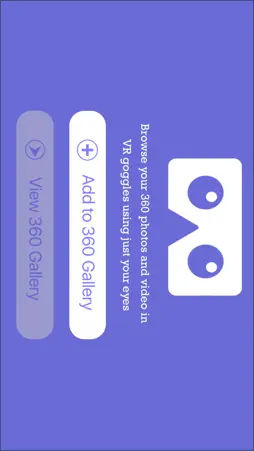
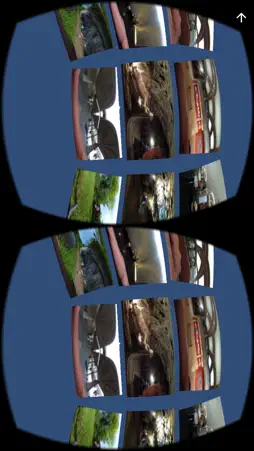
VR Photos lets you view your 360 videos and photos using Google Cardboard, without needing to take the phone out of your goggles each time to change the photo or video. Mobikats have developed a neat way of using your eyes to navigate through your own 360 pictures / video stored on your iPhone. Here is how: 1. Save your 360 photos from a Ricoh 360 camera, Kodak or other 360 cameras into on your iPhone. 2. Launch the VR photos app and tap Add to 360 Gallery. Select the 360 photo spheres or 360 videos you wish to view and tap Done. 3. Place your phone into your headset and focus on the image you wish to view. Once in the 360 image or video, look down to see controls. Focus on Next, Previous or the X exit button for a few seconds to navigate. Now you can view your VR photos or video without needing to tap a screen or use Bluetooth remote.
Technical Analysis
Package Overview Basic metadata
Bundle ID
com.mobikats.vrphotos Current Version 1.0
Minimum iOS 8.0
Package Size Latest Recorded Package Size
Package Metadata 1 / 1 version records
2.4 / 5.0 (8 ratings)
Detailed binary, privacy manifest, framework, and Info.plist results have not been indexed for this package yet. The verified App Store and archive metadata above remains available.
Developer Information
Known Version Records
1 version record with stored package metadata
Stored metadata does not guarantee a package is currently available to download.
| Details | Version / IDs | Version date | Action |
|---|---|---|---|
 39.05 MB | v1.0 App Store ID: 841661430Build: 2 | 2021-04-20 14:08:26 | Get Version |