Preview


Description
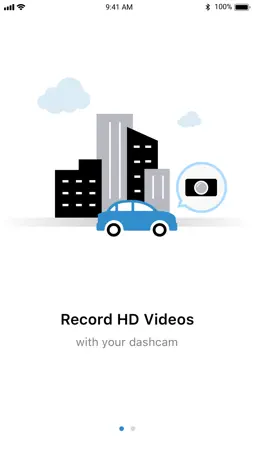
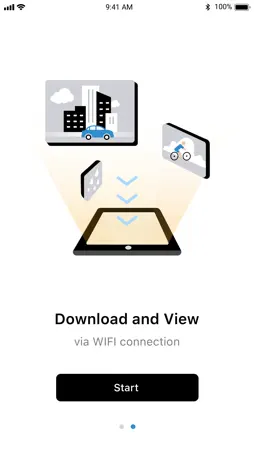
It is possible to playback and download the recording video data by smartphone. ■Product summary This is a viewer application for the exclusive drive recorder. It is possible to playback the recording video data after connecting drive recorder by Wi-Fi.(*1) It is possible to download the favorite video data into smartphone storage so that you can playback and edit them by using other application. (*1) In the case of unconnecting drive recorder by Wi-Fi, it is not possible to transfer the video data to smartphone. Please confirm the owner's manual of drive recorder if you want to know how to connect drive recorder by Wi-Fi and use this application. ■To connect drive recorder -iPhone that can use Wi-Fi and exclusive drive recorder are necessary. -It is necessary to enable Wi-Fi setting of iPhone. -Here is the detail of applicable iPhone model.(*2) https://viewer.mitacdigitech.com/driverecorder/DR_Touch.htm (*2) We don't confirm compatibility of iPad and iPod touch. ■Attention Please make your car stop in safe place when you operate this application. We don't take any responsibility if an accident occurs while operating this application. When this application is launched with using Wi-Fi and Bluetooth of iPhone at the same time, "Videos can not be played smoothly" and "It takes time to download videos" will occur. Please turn off Bluetooth before playing or downloading the video from the setting screen of iPhone. When you try to connect to your dashcam and a dialogue "Allow DR Touch to use your location?" is shown, please select "Allow While Using App". If you don't select it, you cannot connect app to the dashcam. On iOS 14 or later, please be sure "Precise" location is also turned on in this dialogue. On iOS 14 or later, When you install the app and you connect with dashcam, iOS shows a dialogue "find and connect to devices on your local network", so please select "OK". If you select "Don't Allow", the app fails to connect to the dashcam. In this case, please enable DR Touch of "Privacy" > "Local Network" in Settings.
What's New
Version 1.0.39 2022-11-17
We added a message recommending turning off Bluetooth. Technical Analysis
Package Overview Basic metadata
Bundle ID
com.mitac.ios.drviewers20.d10 Current Version 1.0.39
Minimum iOS 14.0
Package Size App Store Size
Package Metadata 1 / 1 version records
Detailed binary, privacy manifest, framework, and Info.plist results have not been indexed for this package yet. The verified App Store and archive metadata above remains available.
Known Version Records
1 version record with stored package metadata
Stored metadata does not guarantee a package is currently available to download.
| Details | Version / IDs | Version date | Action |
|---|---|---|---|
 40.57 MB | v1.0.39 App Store ID: 853351833Build: 39 | 2022-11-11 02:22:24 | Get Version |