
Preview












Description
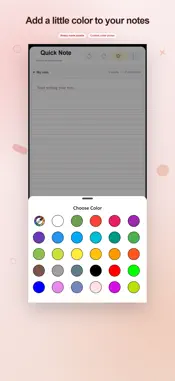
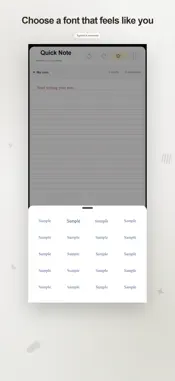
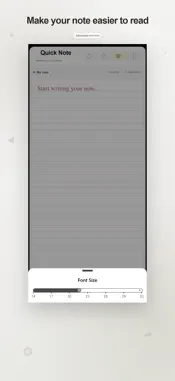
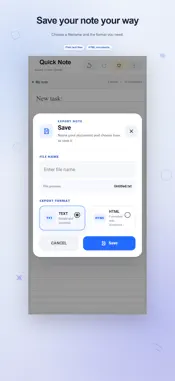
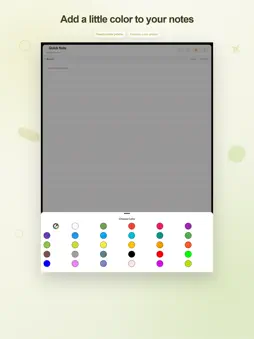
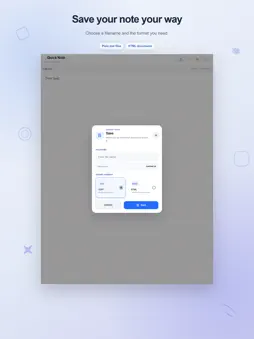
Quick Note gives you one page for writing memos, drafting messages and capturing ideas. Your current text saves locally after a pause in typing, ready for you to continue later. From thought to draft Jot down a point for a conversation or prepare a message before sending it. Undo and redo help you revise recent edits. Check word and character counts while writing, or open Info for additional text statistics. Make the page comfortable Choose lined or plain paper, then set your preferred font family and size. Change letter spacing, text color, cursor color and alignment. Light, dark and system theme choices are available for the interface. Take the writing elsewhere Copy the complete note to the clipboard or share its text through another installed app. To keep a named document, export your writing as TXT or HTML. Exporting a document and autosaving the working page are separate actions. Backup when you choose to connect Authorize a Google account to queue updates of the latest working note for Google Drive backup. You can also request an upload or manually restore an available backup. Restore requires confirmation before replacing the current note. This is not live collaborative editing or automatic merging across devices. Local writing and autosave do not need a Google account. Drive features require internet access and Google authorization, and may require reconnection. Advertising is included. Optional purchases provide ad-free access; available purchase details are shown in the app. Terms of Use https://www.apple.com/legal/internet-services/itunes/dev/stdeula/
What's New
Version 2.5 2026-11-04
Many new features added bug fixes Technical Analysis
Package Overview Basic metadata
Bundle ID
quick.onepage.note Current Version 2.5
Minimum iOS 15.0
Package Size App Store Size
Package Metadata 1 / 4 version records
Detailed binary, privacy manifest, framework, and Info.plist results have not been indexed for this package yet. The verified App Store and archive metadata above remains available.
Developer Information
Known Version Records
1 version record with stored package metadata • 4 known version records
Stored metadata does not guarantee a package is currently available to download.
| Details | Version / IDs | Version date | Action |
|---|---|---|---|
| 30.76 MB | v2.4 App Store ID: 875966813Build: 2.4 | 2026-08-19 23:05:16 | Get Version |
| Not archived | App Store ID: 875931079 | Unknown | Request Version |
| Not archived | App Store ID: 874846760 | Unknown | Request Version |
| Not archived | App Store ID: 856241452 | Unknown | Request Version |